1
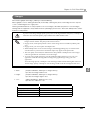
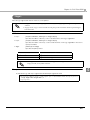
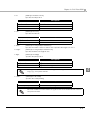
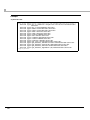
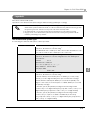
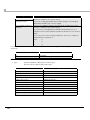
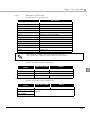
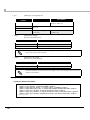
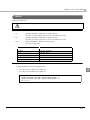
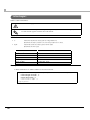
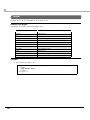
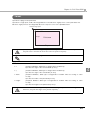
Chapter 4 ePOS-Print XML <line> Draws a line in page mode. Diagonal lines cannot be drawn. Use this element inside the page element. Attribute x1: (Required attribute, data type xs:unsignedShort) Specifies the drawing start position of the horizontal line (in dots). y1 : (Required attribute, data type xs:unsignedShort) Specifies the drawing start position of the vertical line (in dots). x2 : (Required attribute, data type xs:unsignedShort) Specifies the drawing end position of the horizontal line (in dots). y2 : (Required attribute, data type xs:unsignedShort) Specifies the drawing end position of the vertical line (in dots). style : (data type tns:line-style) Specifies the line type. Attribute value Description thin Solid line: Thin medium Solid line: Medium thick Solid line: Thick thin_double Double line: Thin medium_double Double line: Medium thick_double Double line: Thick 4 Example To draw a thin solid line between the start position (100, 0) and the end position (500, 0): <epos-print xmlns="http://www.epson-pos.com/schemas/2011/03/epos-print"> <page> <line x1="100" y1="0" x2="500" y2="0" style="thin" /> </page> </epos-print> 85