1
ATS-SDK Programmer’s Guide
Remarks
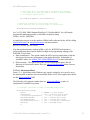
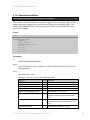
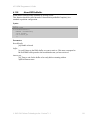
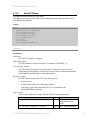
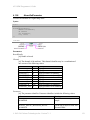
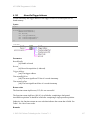
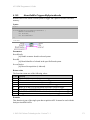
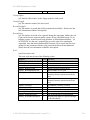
To enable data skipping, first create a bitmap in memonry that specifies which sample
clock edges should generate a sample point, and which sample clock edges should be
ingored.
1’s in the bitmap specify the clock edges that should generate a sample point.
The total number of 1’s in the bitmap must be equal to the number of post-trigger
samples per record specified in the call to AlazarSetRecordSize.
0’s in the bitmap specify the clock edges that should not be used to generate a sample
point.
The total total number of bits in the bitmap is equal to the number of sample clocks in
one record.
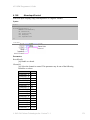
For example, to receive 16 samples from 32 sample clocks where every other sample
clock is ignored, create a bitmap of 32 bits with values { 1 0 1 0 1 0 … 1 0 }, or {
0x5555, 0x5555 }. Note that 16 of the 32 bits are 1’s.
And to receive 24 samples from 96 sample clocks where data from every 3 of 4 samples
clocks is ignored, create a bitmap of 96 bits with values { 1 0 0 0 1 0 0 0 1 0 0 0 … 1 0 0
0 }, or in { 0x1111, 0x1111, 0x1111, 0x1111, 0x1111, 0x1111 }. Note that 24 of the 96
bits are 1’s.
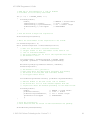
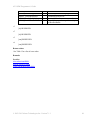
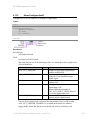
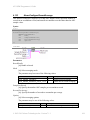
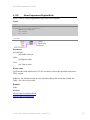
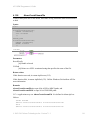
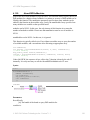
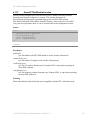
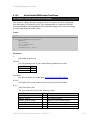
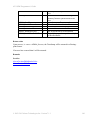
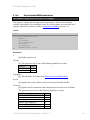
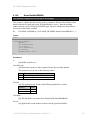
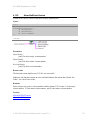
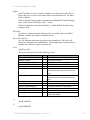
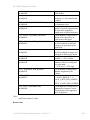
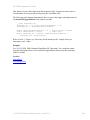
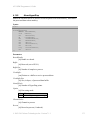
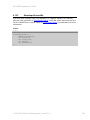
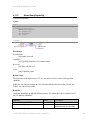
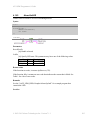
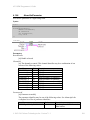
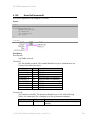
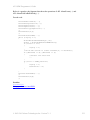
After creating a bitmap, call AlazarConfigureSampleSkipping with:
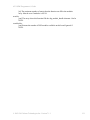
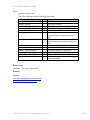
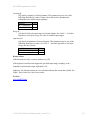
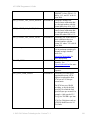
Mode equal to SSM_ENABLE (1).
SampleClocksPerRecord equal to the total number of sample clocks per record.
pSampleSkipBitmap with the address of the U16 array.
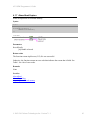
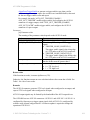
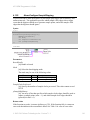
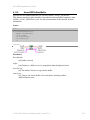
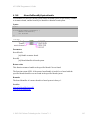
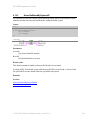
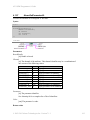
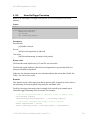
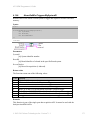
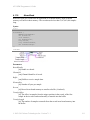
To disable data skipping, call AlazarConfigureSampleSkipping with Mode equal to
SSM_DISABLE (0). The SampleClocksPerRecord and pSampleSkipBitmap parameters
are ignored.
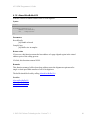
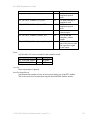
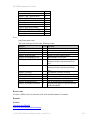
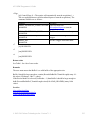
Note that data skipping currently is supported by the ATS9440 with FPGA version 3.1 or
later, and only works with post-trigger data data acquired at 125 MSPS or 100 MSPS.
See Also
© 2003-2015 Alazar Technologies Inc. Version 7.1.1
111