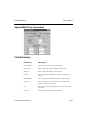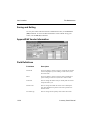
1
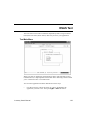
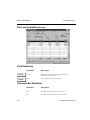
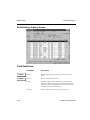
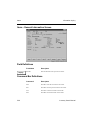
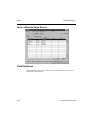
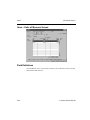
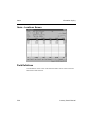
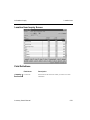
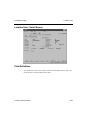
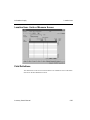
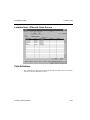
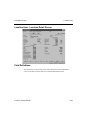
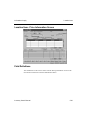
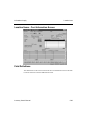
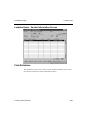
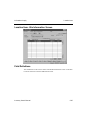
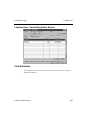
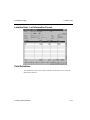
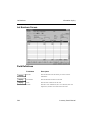
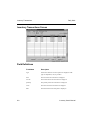
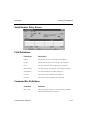
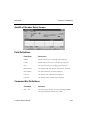
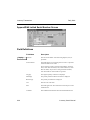
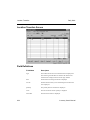
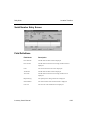
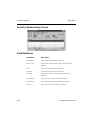
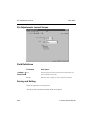
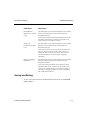
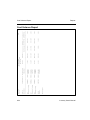
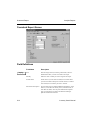
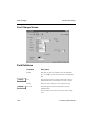
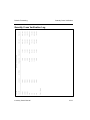
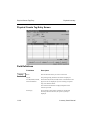
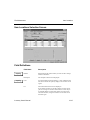
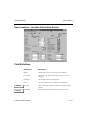
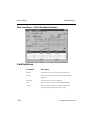
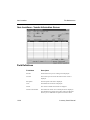
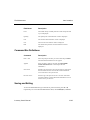
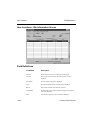
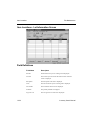
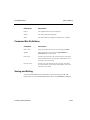
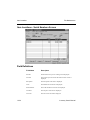
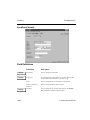
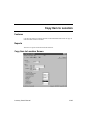
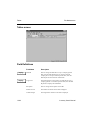
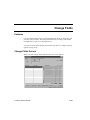
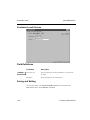
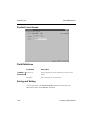
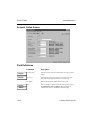
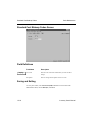
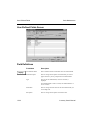
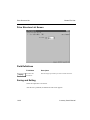
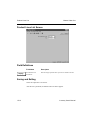
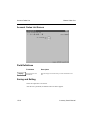
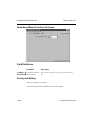
Location Item
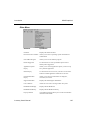
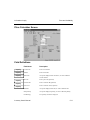
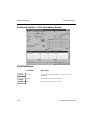
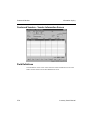
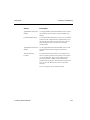
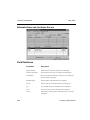
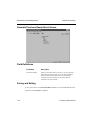
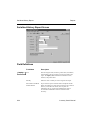
Information Inquiry
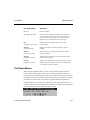
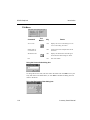
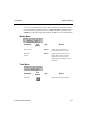
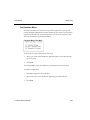
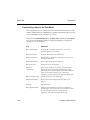
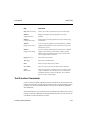
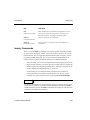
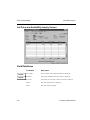
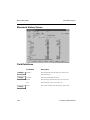
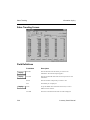
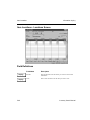
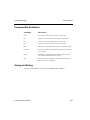
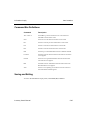
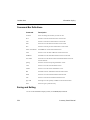
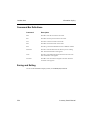
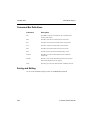
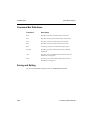
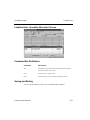
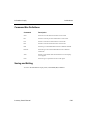
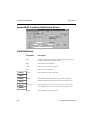
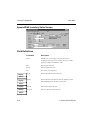
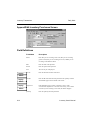
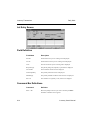
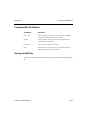
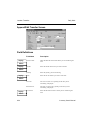
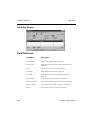
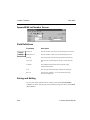
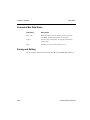
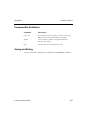
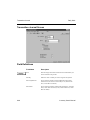
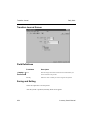
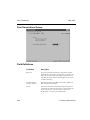
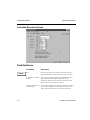
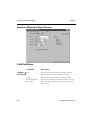
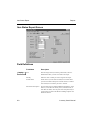
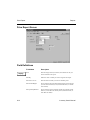
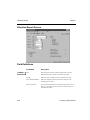
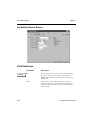
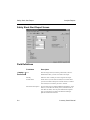
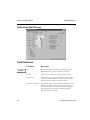
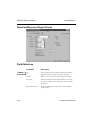
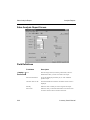
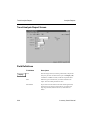
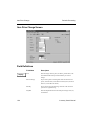
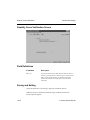
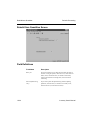
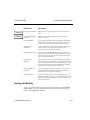
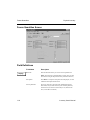
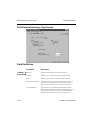
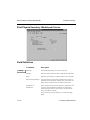
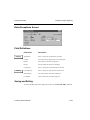
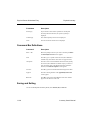
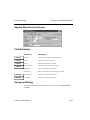
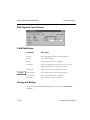
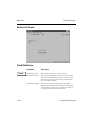
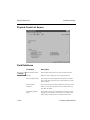
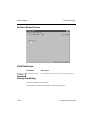
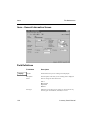
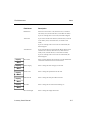
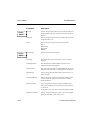
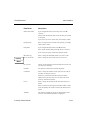
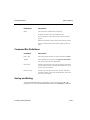
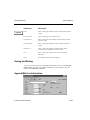
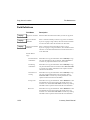
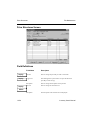
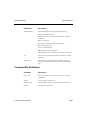
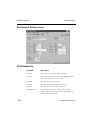
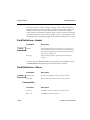
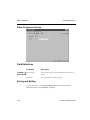
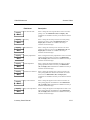
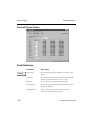
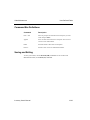
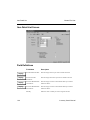
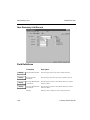
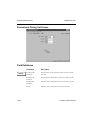
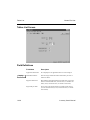
Command Bar Definitions
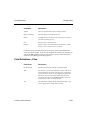
Command
Description
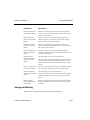
locAtion
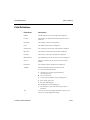
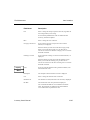
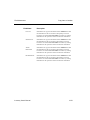
Press A to change the location you want to view.
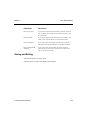
First
Press F to view the first item location record on file.
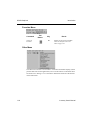
Last
Press L to view the last item location record on file.
Next
Press N to view the next item location record on file.
Prev
Press P to view the previous item location record on file.
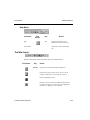
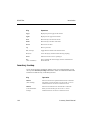
Enter = Item Detail
Press Enter to view the Items Detail screen.
Units
Press U to view the Unit of Measure screen for the item.
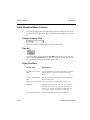
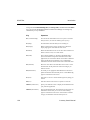
alteRnates
Press R to view the item Alternate Items screen for the item.
lOc. Detail
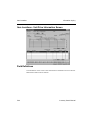
Press O to view the Item Location General Information screen for
the item location.
prIcing
Press I to view the item pricing information screen.
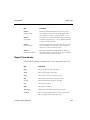
Costs
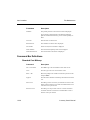
Press C to view the cost information screen.
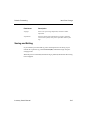
Vendor
Press V to view the vendor information screen.
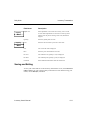
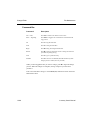
Bin
Press B to view bin information about the item location.
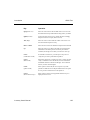
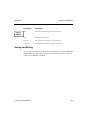
Serial
Press S to view the serial information about the item.
loTs
Press T to view the lot information about the item.
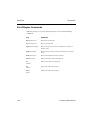
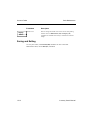
Qty Avail
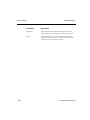
Press Q to view the quantity available for the selected location.
Goto
Press G to goto a particular entry.
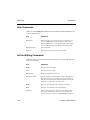
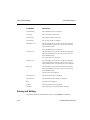
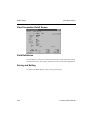
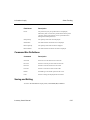
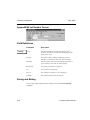
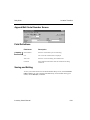
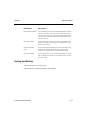
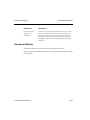
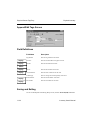
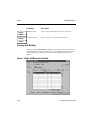
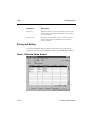
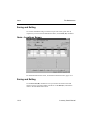
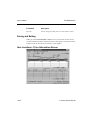
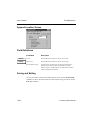
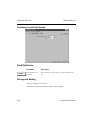
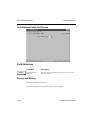
Saving and Exiting
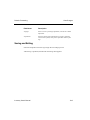
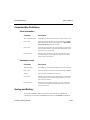
To exit to the Information Inquiry menu, use the Exit (F7) command.
5-52
Inventory User’s Manual