1
VX222v2
User’s Manual
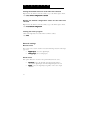
Run at start-up
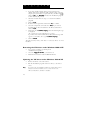
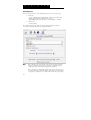
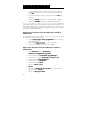
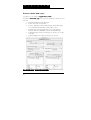
To enable/disable automatic run at start-up, right click on the Mixer icon in
the taskbar, or go to the Mixer < Options> menu.
Select/unselect run at startup
startup.
rtup
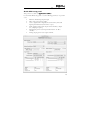
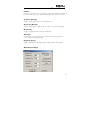
General configuration
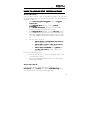
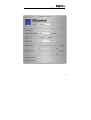
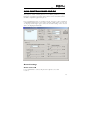
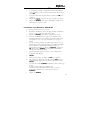
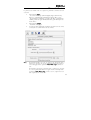
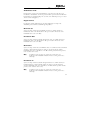
The mixer configuration options allow selection of: input and output nominal
level, input and output headroom, input type.
The input and output nominal level and input and output headroom define
the maximum value of the acceptable input signal. Set the nominal level to the
currently used nominal level. The headroom should be set to avoid any risk of
overload. If set beyond the installed card's capabilities, the driver
automatically sets the correct values. In this case, the displayed values are
wrong.
The record source selection allows selecting digital input or analog input
selection. On the VXpocket 440 only the first stereo channel may be selected
for digital input. Nominal and Headroom apply simultaneously to all four
channels.
Always on top of the display
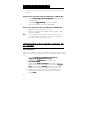
Right click on the mixer icon in the taskbar, or go to the mixer <Options>
menu.
Select Always on top.
top
Resetting the faders to their default values
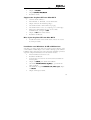
Click on the Options menu.
Select Reset levels.
levels
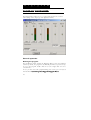
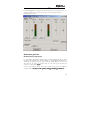
Selecting the input/output mixer channel
Click on the Mixer menu.
Select the required board and channel mixer.
21