1
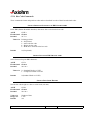
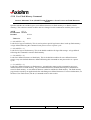
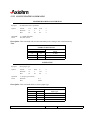
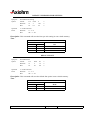
SELECT FLASH MEMORY SECTOR TO DOWNLOAD
Selects the flash sector (nn) for which the next download operation applies. The values of the possible
sector are restricted, depending upon the flash part type. The printer transmits an ACK if the sector number
is acceptable or an NAK if the sector number is not acceptable. Sector numbers start at 0
ASCII
GS STX nn
Hexadecimal 1D 02 nn
Decimal
29 2 nn
Value and Range of n
0-7 = 512k bytes Flash
0-15 = 1M bytes Flash
Exceptions
Available only in download mode.
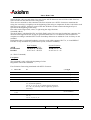
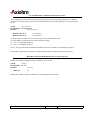
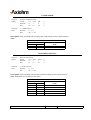
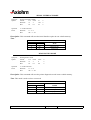
GET FLASH FIRMWARE CRC STATUS
Causes the printer to calculate the CRC for the Flash firmware code space and transmits the result.
This is performed normally after downloading completely a new firmware to verify that the downloaded
firmware is valid
The printer transmits ACK if the calculated CRC is correct; NAK if the CRC is incorrect
ASCII
GS ACK
Hexadecimal 1D 06
Decimal
29 6
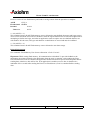
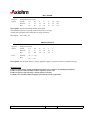
RETURN BOOT SECTOR CRC
Returns the CRC calculated over the boot sector code space.
ASCII
GS BEL
Hexadecimal 1D 07
Decimal
29 7
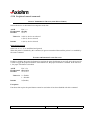
Formulas
ACK <low byte> <high byte>
OPTIBOARD CONTROLLER BOARD User Manual
Page 108 /132
Reference: FDE 3106896 Issue Z