1
November 9, 2011
NOTE: Before continuing, please make sure that everyone is in place to begin timing.
Press the Enter key:
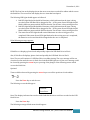
The following screen should appear:
Current Time
0:0:0.0
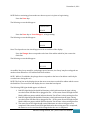
Press the Enter key or Press Plunger 1, to begin timing:
The following screen should appear:
Current Time
0:0:3.4
Note: The elapsed race time should appear on the second line of the display.
Press the Plunger that corresponds to the lane of the athlete which he/she crosses the
finish line:
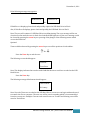
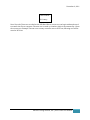
The following screen should appear:
4: 153.32
0:5:13.3
An audible *beep* may sound for each plunger press; however, the *beep* may be overlapped one
another when athletes are 150 milliseconds from another.
NOTE: While in Track Mode, the plunger that corresponds to the lane of an athlete could only be
recorded once during the race.
NOTE: The first line on the displays shows the most recent time recorded for athlete which crosses
the finish line. The second line will display the race time that has elapsed.
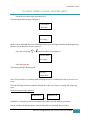
The following LED Light should appear as followed:
1. Red LED Light labeled A should be illuminate, which indicates that the time is being
recorded on the USB Hard Drive plugged in Slot – A. The status Green LED light should
blink in different pattern which indicates that the Track Timer is busy writing the files.
2. Red LED Light labeled B should be illuminate, which indicates that the time is being
recorded on the USB Hard Drive plugged in Slot – B. The status Green LED light should
blink in different pattern which indicates that the Track Timer is busy writing the files.
3. The status Green LED Light should remind illuminate once the writing process is
completed. If the status Green LED Light blinks after the writing process is completed,
the batteries are low and should be changed after the race is completed.
Advance Timing Solution, INC. |Track Timer User Manual
3