1
November 9, 2011
Note: The race will not begin unless both USB Hard Drives are function-able.
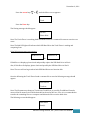
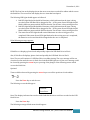
Once the following the Track Timer found a common file to save the following message should
appear:
Files Save As
XC.txt
Note: The file name may change to XC10.txt, XC22.txt, or possibly XC86.txt. Please be aware of the
file name as it would be desirable at the end of the race. Also, it is recommended to transfer the
reminding files on a computer and delete the files to on the hard drive.
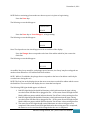
The following screen should appear:
Main Menu
Ready?
NOTE: Before continuing, please make sure that everyone is in place to begin timing.
Press the Enter key:
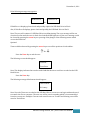
The following screen should appear:
Current Time
0:0:0.0
Press the Enter key or Press Plunger 1, to begin timing:
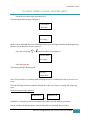
The following screen should appear:
Current Time
0:0:3.4
Note: The elapsed race time should appear on the second line of the display.
Press the Plunger that corresponds to the lane of the athlete which he/she crosses the
finish line:
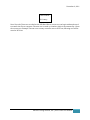
The following screen should appear:
4: 153.32
0:5:13.3
An audible *beep* sounds for each plunger press, which indicates that each runner is registered and
stored.
Advance Timing Solution, INC. |Track Timer User Manual
6