1
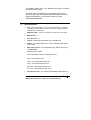
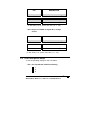
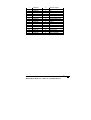
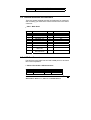
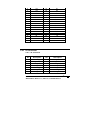
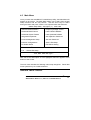
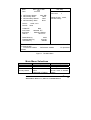
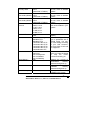
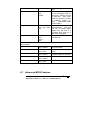
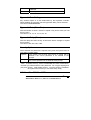
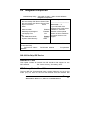
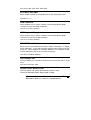
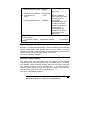
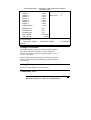
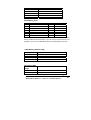
IDE Primary Master
None
Auto
Manual
Capacity
Auto
Display
your disk drive
size
Access Mode
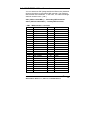
the remaining fields on this
menu.
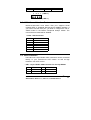
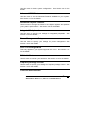
Selecting ‘manual’ lets you
set the remaining fields on
this screen. Selects the type
of fixed disk. "User Type"
will let you select the number
of cylinders, heads, etc.
Note:
PRECOMP=65535
means NONE !
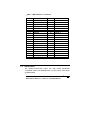
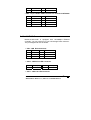
Disk
drive
capacity
(Approximated). Note that
this size is usually slightly
greater than the size of a
formatted disk given by a
disk checking program.
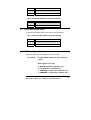
Choose the access mode for
this hard disk
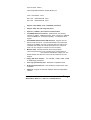
Normal
LBA
Large
Auto
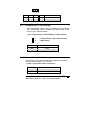
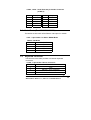
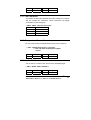
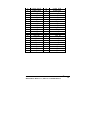
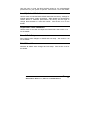
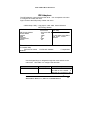
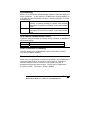
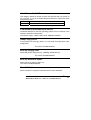
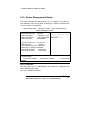
The following options are selectable only if the ‘IDE Primary Master’ item is
set to ‘Manual’
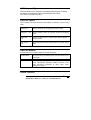
Cylinder
Min = 0
Set the number of cylinders
Max = 65535
for this hard disk.
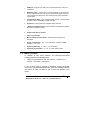
Head
Min = 0
Set the number of read/write
Max = 255
heads
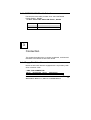
Precomp
Min = 0
**** Warning: Setting a value
Max = 65535
of 65535 means no hard disk
Landing zone
Min = 0
****
Max = 65535
Sector
Min = 0
Number of sectors per track
Max = 255
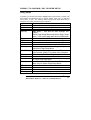
Table 3 Hard disk selections
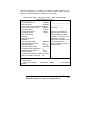
4.7 Advanced BIOS Features
NOVA-3710/3710SV Socket 370 CeleronTM & Pentium III ®
Multimedia & Dual VGA , Ethernet Embedded Board
41