1
65 | Client Software Manual
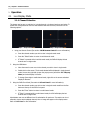
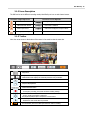
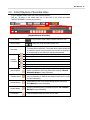
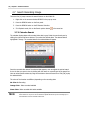
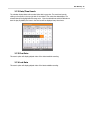
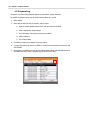
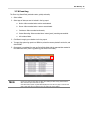
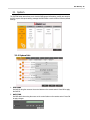
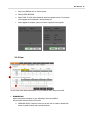
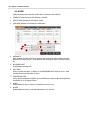
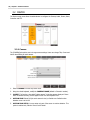
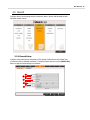
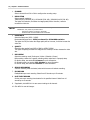
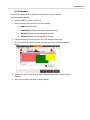
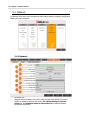
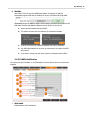
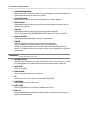
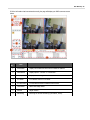
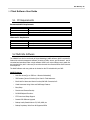
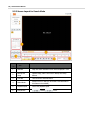
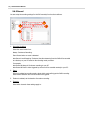
5.5.3 Screen Layout for Search Mode
No.
Item
Description
1
Calendar
Days with video recorded on them will be displayed in color.
2
Backup and
Setup
Capture image, Start & End time for Backup and Setup
buttons.
3
Time Bar
Time bar shows recorded section.
4
Search Mode
Search from PC or DVR (PC must have a recorded data for
this feature to be enabled).
5
Playback Speed
Control the playback speed.
6
Hour/Minute
: Minute,
: Hour.