1
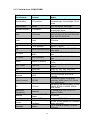
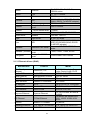
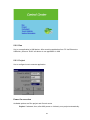
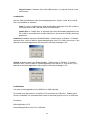
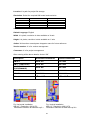
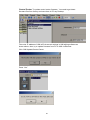
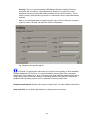
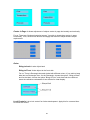
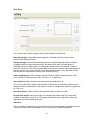
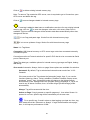
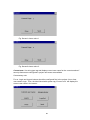
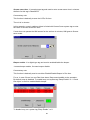
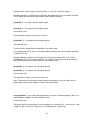
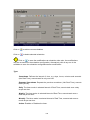
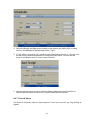
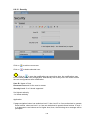
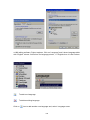
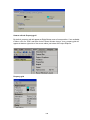
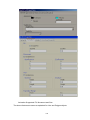
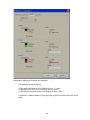
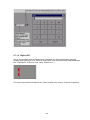
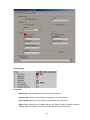
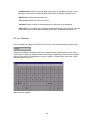
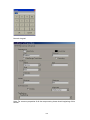
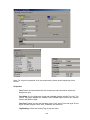
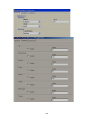
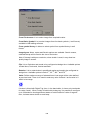
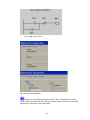
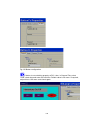
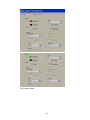
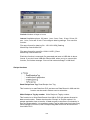
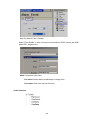
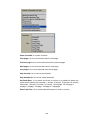
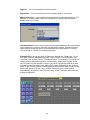
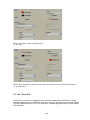
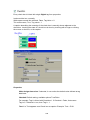
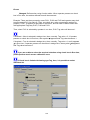
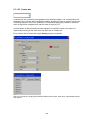
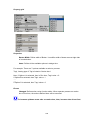
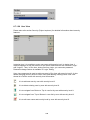
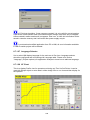
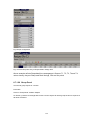
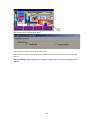
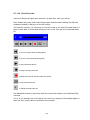
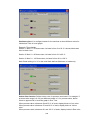
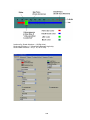
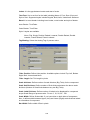
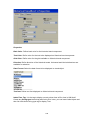
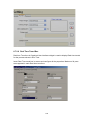
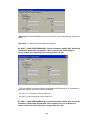
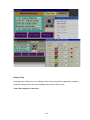
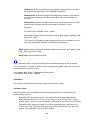
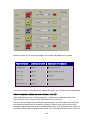
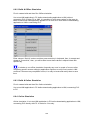
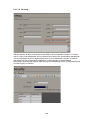
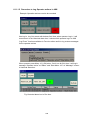
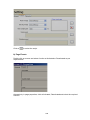
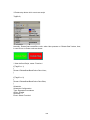
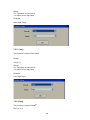
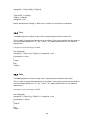
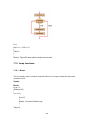
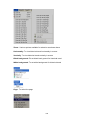
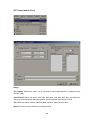
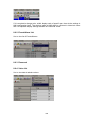
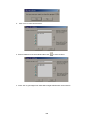
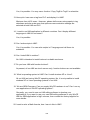
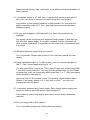
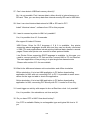
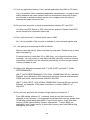
Fig: Default Style settings
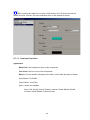
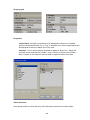
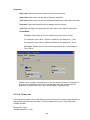
Orientation:
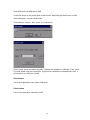
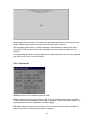
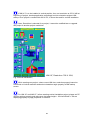
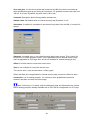
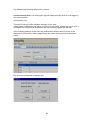
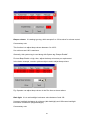
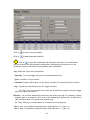
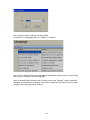
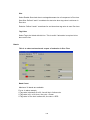
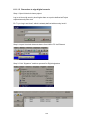
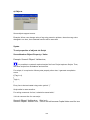
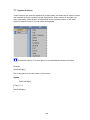
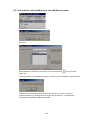
Flip: It is possible to flip symbol in Design time and available options include
Horizontal, Vertical, Both and None.
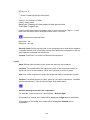
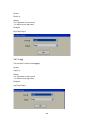
Flip=None
Flip = Horizontal
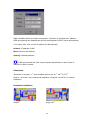
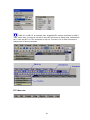
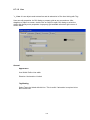
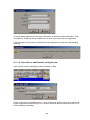
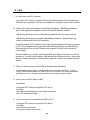
Rotation: It is possible to rotate symbol in design time and available options
0
0
0
0
include 0 , 90 , 180 and 270
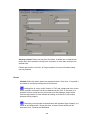
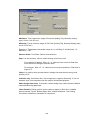
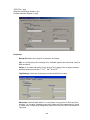
Padding: Normally it is 0. It is used to decrease size of symbol with in selected
boundaries.
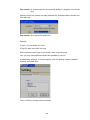
Stretch: It is used to stretch symbol with in selected boundaries.
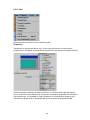
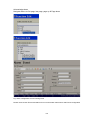
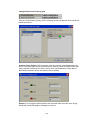
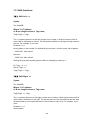
Fill Color:
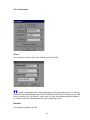
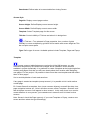
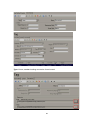
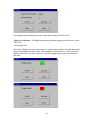
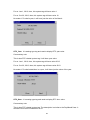
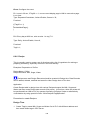
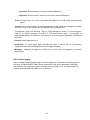
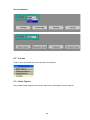
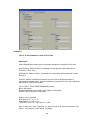
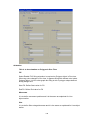
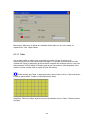
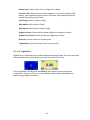
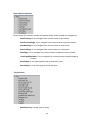
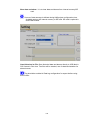
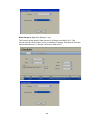
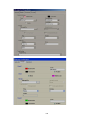
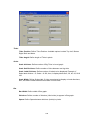
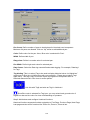
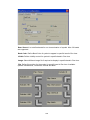
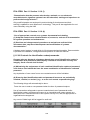
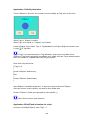
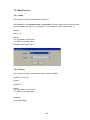
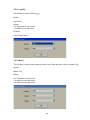
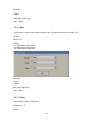
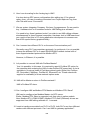
Fill color mode: Available options include Original, Shaded, Solid and Hollow.
Fill Color Mode: Original
Fill Color:
N.A
Shaded
Green
Solid
Green
Hollow
N.A
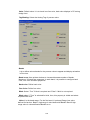
Fill color: Define color to be filled in Shaded and Solid fill color mode.
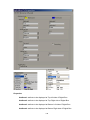
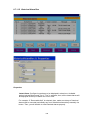
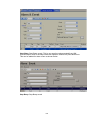
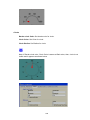
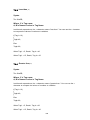
Background:
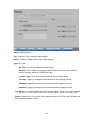
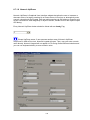
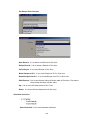
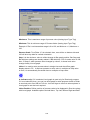
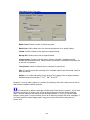
Back Style: Available options include Transparent & Opaque. Transparent means
screen background color will appear for symbol. Opaque means, it is possible to
set different background color for specific selected symbol.
Back color: Define background color when back style = Opaque.
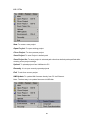
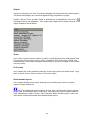
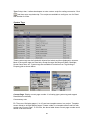
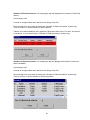
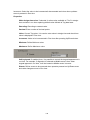
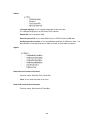
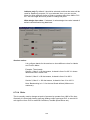
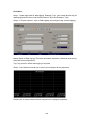
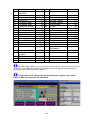
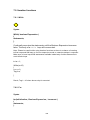
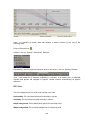
Blink:
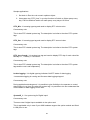
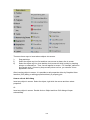
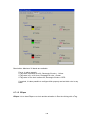
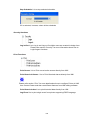
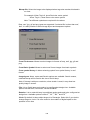
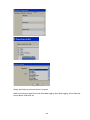
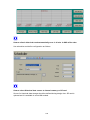
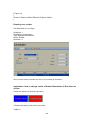
Blink mode: Available options include No Blink, Blink Invisible, Blink shaded and
Blink Solid.
261