1
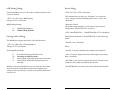
With Search Between, all the data in the new generated field
comes between the two specified strings for the specified track.
For example, a new field can be defined in which the data comes
between the first searched separator ^ and the first searched $.
With Search After, all the data in the new generated field starts
from the specified offset, after the specified strings, after the
specified number of times, for the specified track. For example, a
new field can be defined in which the data starts after a 10 character offset after the first searched separator ^.
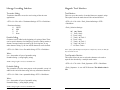
Times, Times1, and Times2: Times and Times1 define how many
times a specified string is searched from the start of data on a
specific track. Times2 defines how many times a specified string is
searched from the rest of the data on a specific track after the first
string has been searched.
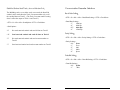
Track No. and Field No.: The Track Number (3 bits) and the Field
Number (5 bits) are always in one byte.
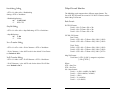
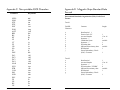
NOTE: The field definitions for common magnetic card formats
are listed in Appendix D.
23
Section 5
OPERATION
The MiniMag reader is easy to operate. Just follow these simple
steps:
1. Make sure the reader is properly cabled and is receiving sufficient
power. (See Section 5, Troubleshooting, if there is a cabling or power
problem.)
2. To read a card, slide the card, in either direction, through the
reader slot, with the magnetic stripe facing the magnetic head (LED
side).
3. While swiping the card through the reader, the LED will go off.
4. Once the entire magnetic stripe has been read, the LED indicator
will light up as green to signal a “good read.” If a good read is not
obtained, the LED indicator will light up as red.
5. A beep will also sound to indicate a good read on each track. If all
three tracks have been read successfully, the reader will beep three
times.
24