1
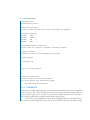
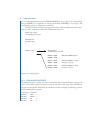
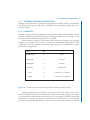
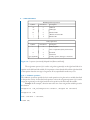
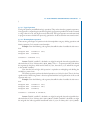
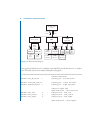
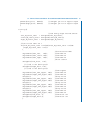
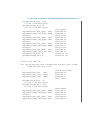
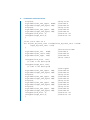
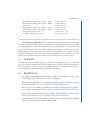
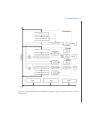
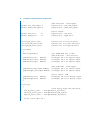
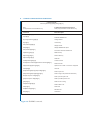
92 4. SERIAL COMMUNICATION SUBSYSTEM Command format: Command [Filename] [Option] [Data] [CR] [LF] In C: printf(fputs test.txt /w Hello World \r\n); In Arduino Development Environment: serial.print(fputs test.txt /w Hello World \r\n); Command Brief Description mode[Option][CR][LF] Select mode of operation: /t terminal or /m MCU mode init [CR][LF] Initializes SD/MMC card cd [Change Directory][CR][LF] Change director dir [CR][LF] List directory fsize [Filename][CR][LF] Display file size dsize[CR][LF] Display SD/MMC disk space ftime [Filename][CR][LF] File creation and last modified time md[Directory][CR][LF] Make directory rd[Directory][CR][LF] Remove directory del[Filename][CR][LF] Delete file fcreate[Filename][CR][LF] Create a new file rename[Source Filename][Destination Filename][CR][LF] Rename the file fopen[Filename][/Option][CR][LF] Open the file: /r Read or /w Write or /a Append fclose[CR][LF] Close file fputc[Filename][/Option][1 Byte Data][CR][LF] Write a byte to file fputs[Filename][/Option][String][CR][LF] Write a string to file (limited 256 characters) fwrite[/# of bytes to write][CR][LF] Write up to 512 bytes to file fgetc[/# of bytes to read][CR][LF] Read up to 256 bytes from file fgets[CR][LF] Read one line of string fread[Filename][CR][LF] Read all data in file reset[CR][LF] Reset card baud[Baud rate][CR][LF] Set Baud rate card[CR][LF] Card status Figure 4.9: SD/MMC commands.