1
21
CJ Wizard Product Documentation
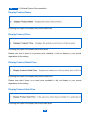
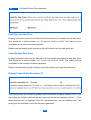
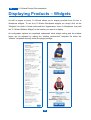
Checking this option will display a Buy Now button below each product. You can change
your button by selecting a new one from the “Button Name” drop down list. Should you
wish to add your own buttons, you can do so by uploading the image to the “wpcontent/plugins/cjWizard/images/” directory of the plugin, the image will then automatically
appear in the drop down list as an option.
Display/Limit Description Length
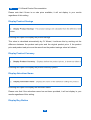
If you choose to display the product description then this setting will allow you to limit the
number of characters displayed e.g. enter 100 for 100 characters. Leave blank to show the
full description. This setting can be overridden in the 9th shortcode parameter, enter "-"
into that shortcode parameter to hide the description completely.
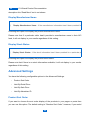
Please note that if no description displays in the results it's because a description hasn't
been provided.
Description “Read More” Text
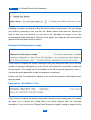
If you choose to display the product description using the above setting then this setting
will allow you to specify the “Read More” text which displays after the truncated
description. If you have set the “Display/Limit Description Length” setting to display the full
21