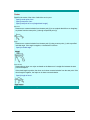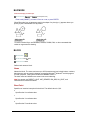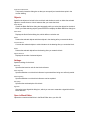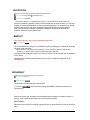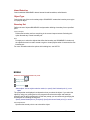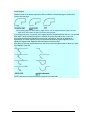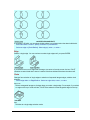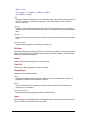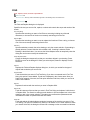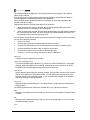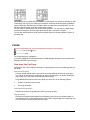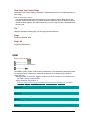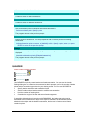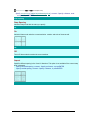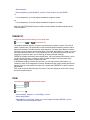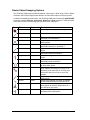
1
2
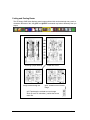
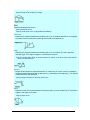
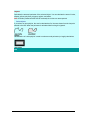
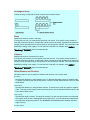
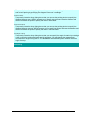
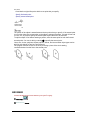
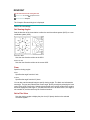
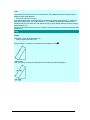
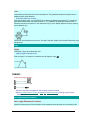
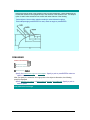
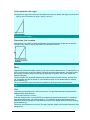
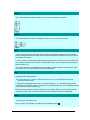
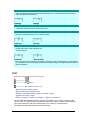
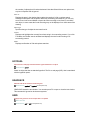
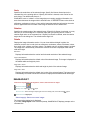
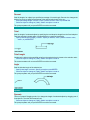
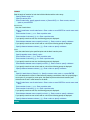
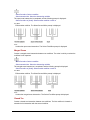
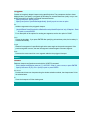
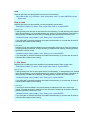
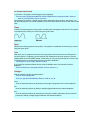
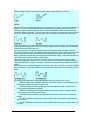
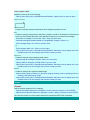
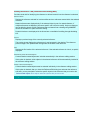
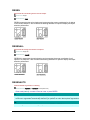
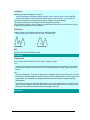
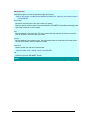
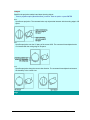
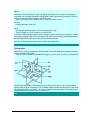
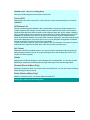
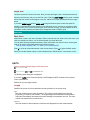
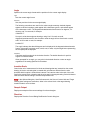
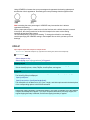
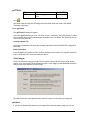
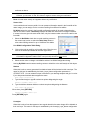
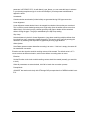
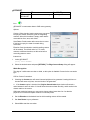
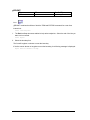
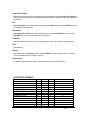
Divides the specified area horizontally or vertically into two viewports of equal size.
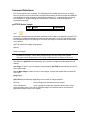
Enter viewport arrangement [Horizontal/Vertical] <Vertical>: Enter h or press ENTER
Specify first corner or [Fit] <Fit>: Specify a point or press ENTER
First Corner
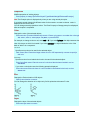
Positions and sizes new viewports using the window selection method; the viewports are fit into
the selected area.
Fit
Sizes the viewports to fill the drawing area.
3
3
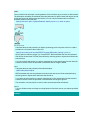
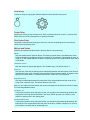
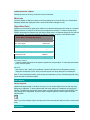
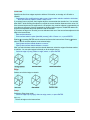
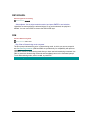
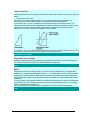
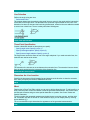
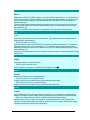
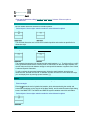
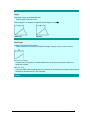
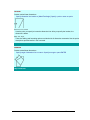
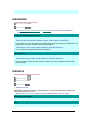
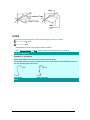
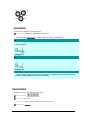
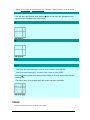
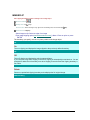
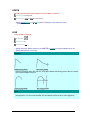
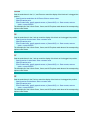
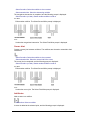
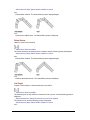
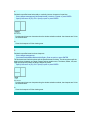
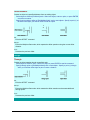
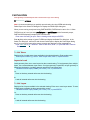
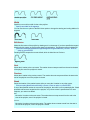
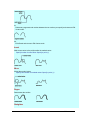
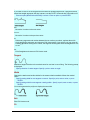
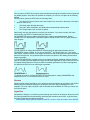
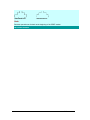
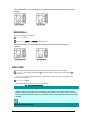
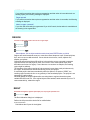
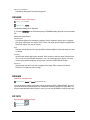
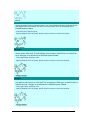
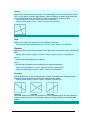
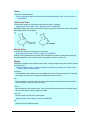
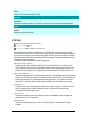
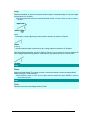
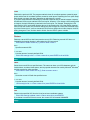
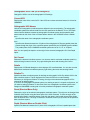
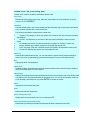
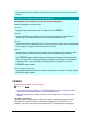
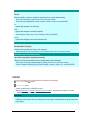
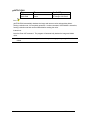
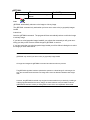
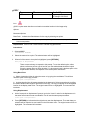
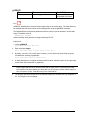
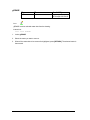
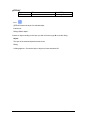
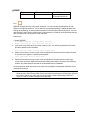
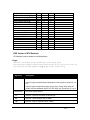
Divides the specified area into three viewports.
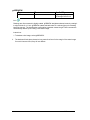
Enter viewport arrangement
[Horizontal/Vertical/Above/Below/Left/<Right>: Enter an option or press ENTER
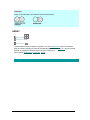
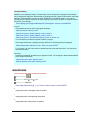
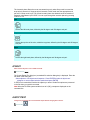
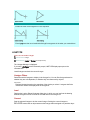
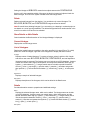
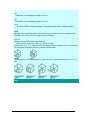
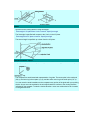
The Horizontal and Vertical options split the specified area into thirds. The other options split the
area into three viewports: one large viewport and two smaller ones. The Above, Below, Left, and
Right options specify where the larger viewport is placed.
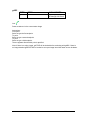
Specify first corner or [Fit] <Fit>: Specify a point or press ENTER
First Corner
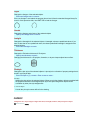
Positions and sizes new viewports using the window selection method; the viewports are fit into
the selected area.
Fit
Sizes the viewports to fill the drawing area.
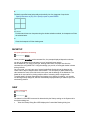
4
199