1
2. 8
Canceling Sleep Mode
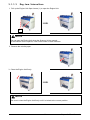
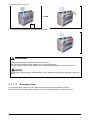
The CX 8048 has two Sleep Modes to reduce the power consumption.
The CX 8048 will enter Sleep Mode after a certain period of inactivity.
In the default setting;
• Warm Sleep Mode will start after a 15 minute of inactivity in order to reduce the power
supply for Fuser Unit.
• Cold Sleep Mode will start after a 60 minute of inactivity to stop the power supply for Fuser
Unit and some other components.
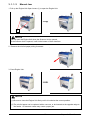
Sleep Mode is canceled and the machine gets ready when;
•
the machine receives a print job through the network.
•
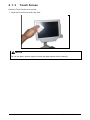
the UI is touched and an original is inserted into the scanner.
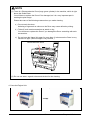
NOTE
(1) It may take time for the machine to get ready.
(2) Touching the UI can cancel the screensaver but cannot cancel Sleep Mode. It may need
another waiting time to start warming up for copying / printing.
See Part 7 [4.2.1 Power Save Settings] on page 7-9 for further information.
2-17
Chapter 2 Basic Operation