1
Master Page: Right
GR-HD1US.book Page 65 Monday, April 14, 2003 5:21 PM
EN
Automatic Editing To VCR
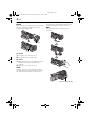
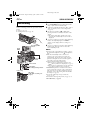
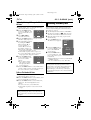
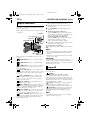
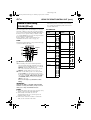
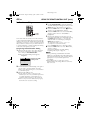
PAUSE
VCR REC STBY
13
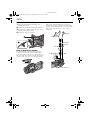
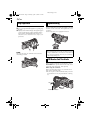
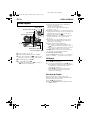
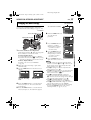
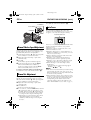
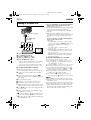
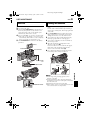
Rewind the tape in the camcorder to the
beginning of the scene you want to edit and press
PAUSE (9).
14
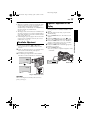
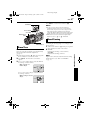
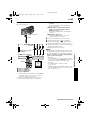
Press VCR REC STBY (79), or manually
engage the VCR’s Record-Pause mode.
15
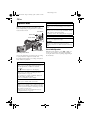
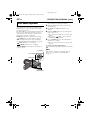
Press the Recording Start/Stop Button on the
camcorder. Editing proceeds as programmed,
right through to the end of the last registered
scene.
● When dubbing is complete, the camcorder
enters the Pause mode, and the VCR enters its
Record-Pause mode.
● If you do not register an Edit-Out point, the
tape will be dubbed all the way to the end
automatically.
● If you operate the camcorder during automatic
editing, the VCR will enter its Record-Pause
mode and automatic editing will stop.
16
Engage the Stop modes for the camcorder and
the VCR.
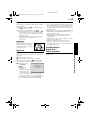
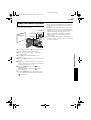
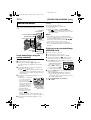
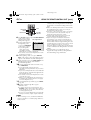
To make the R.A.Edit counter display disappear,
press R.A.EDIT ON/OFF on the remote control.
NOTES:
● Pressing R.A.EDIT ON/OFF on the remote control
clears all settings registered during Random
Assemble Editing.
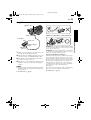
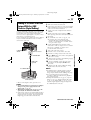
● When the editing cable is connected to the remote
control’s PAUSE IN connector during dubbing,
make sure the remote control is pointed at the
VCR’s sensor, and the path between the two is
unobstructed.
● Random Assemble Editing may not function
properly when using a tape including several
duplicated time codes. (墌 pg. 23)
CONTINUED ON NEXT PAGE
ADVANCED FEATURES
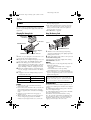
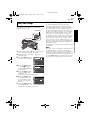
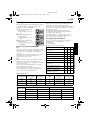
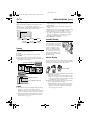
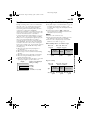
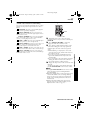
Picture Wipe And Dissolve Menu
(available only for Random Assemble Editing)
You can use not only the wipe/fader effects on page
50 but also the picture wipe and dissolve effects
below.
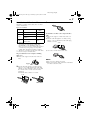
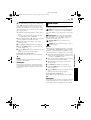
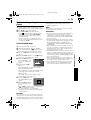
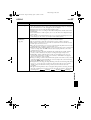
DISSOLVE: The new scene gradually appears
as the old one gradually disappears.
WIPE – CORNER: The new scene wipes in
over the previous one from the upper right corner to
the lower left corner.
WIPE – WINDOW: The next scene gradually
wipes in from the center of the screen toward the
corners, covering the previous scene.
WIPE – SLIDE: The next scene gradually wipes
in over the previous one from right to left.
WIPE – DOOR: The previous scene wipes out
from the center to the right and left, like a door
being pushed open to reveal the next scene.
WIPE – SCROLL: The new scene wipes in over
the last one from the bottom of the screen to the top.
WIPE – SHUTTER: The new scene wipes in
over the previous one from the center toward the top
and bottom of the screen.
65