1
Basic Tutorial
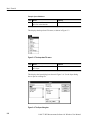
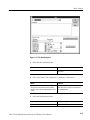
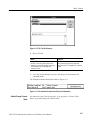
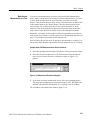
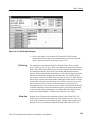
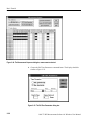
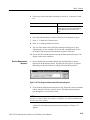
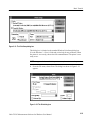
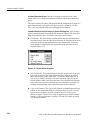
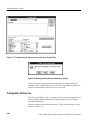
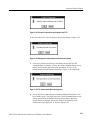
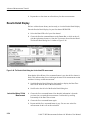
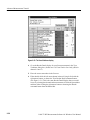
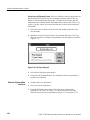
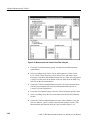
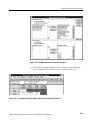
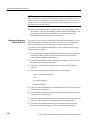
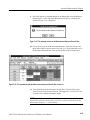
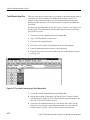
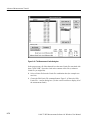
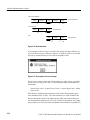
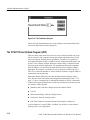
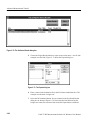
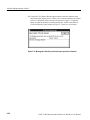
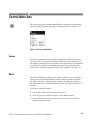
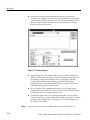
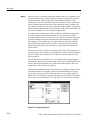
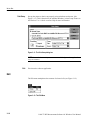
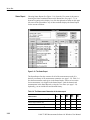
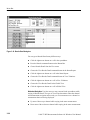
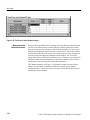
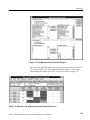
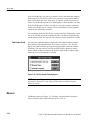
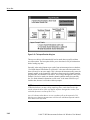
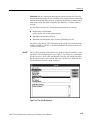
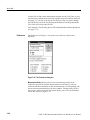
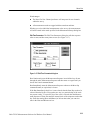
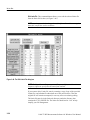
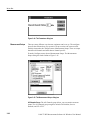
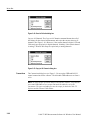
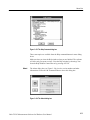
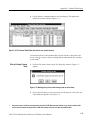
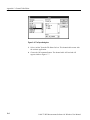
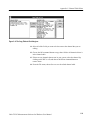
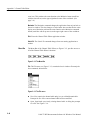
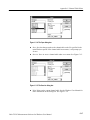
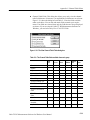
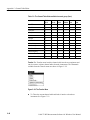
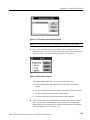
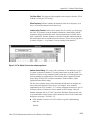
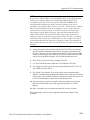
Figure 2–12: The Test ID dialog box
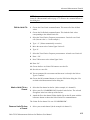
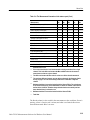
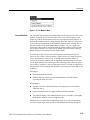
2. Select a Test ID.
Mouse
Keyboard
Type in a Test ID or select from the combination box: click on the arrow (if present and
necessary) in the list box and then select one
Test ID from the list. The example uses
“Learner’s Permit”.
Type in the Test ID or select one from the list
box by scrolling through the list (press the
down arrow key). The example uses “Learner’s
Permit”.
3. Leave the Test ID dialog box and save the changes by choosing the OK
command button.
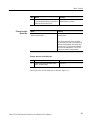
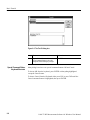
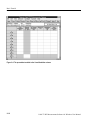
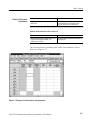
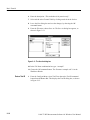
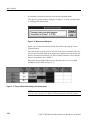
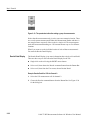
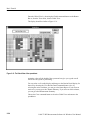
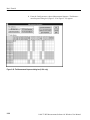
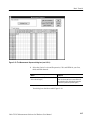
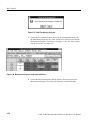
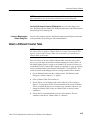
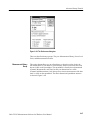
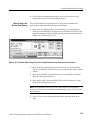
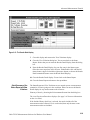
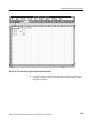
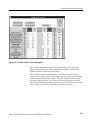
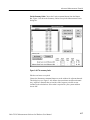
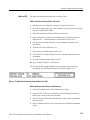
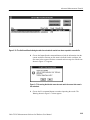
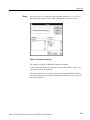
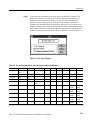
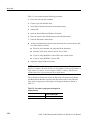
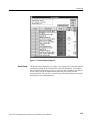
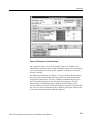
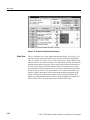
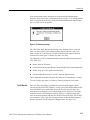
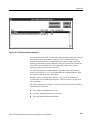
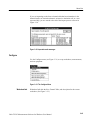
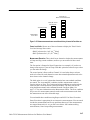
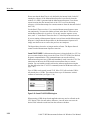
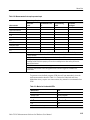
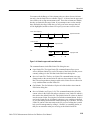
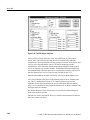
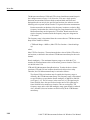
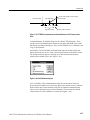
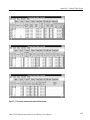
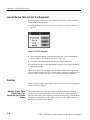
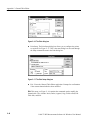
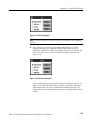
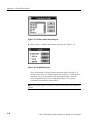
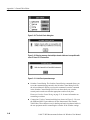
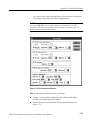
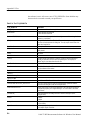
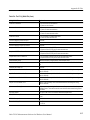
The Worksheet Header should look similar to Figure 2–13.
Figure 2–13: The worksheet header after filling in all information
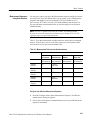
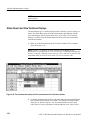
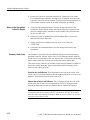
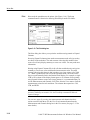
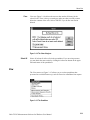
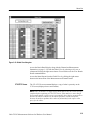
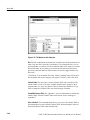
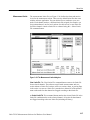
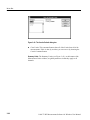
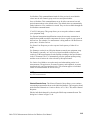
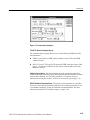
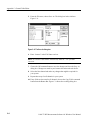
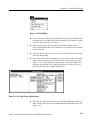
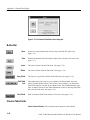
Attach/Change Channel
Table
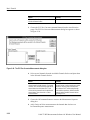
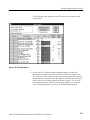
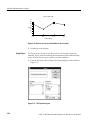
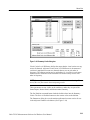
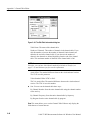
See Advanced Setups Tutorial on page 2–39 or Appendix C: Channel Table
Editor, if you must change the Channel Table.
Cable TV RF Measurements Software for Windows User Manual
2–17