1
http://www.3jtech.com.tw
http://www.3jtech.com
NAS (camDisk)
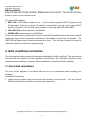
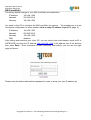
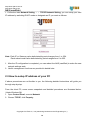
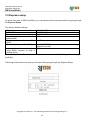
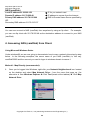
1. Follow the links Network Setting => TCP/IP Network Setting, you can setup your own
IP address by switching DHCP mode or designate an IP you want as follows:
Note: Each IP or Gateway value delimitated by period ranges from 1 to 254.
Each subnet mask value delimitated by period ranges form 0 to 255.
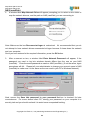
1. After the IP configuration is completed, you can reboot the NAS (camDisk) to make the new
network settings work.
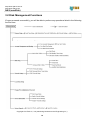
2. Useful management functions are provided in details later.
2.3 How to setup IP address of your PC
If above procedures are not familiar to you, the following detailed instructions will guide you
through step by step.
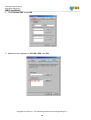
From the client PC, some screen snapshots and detailed procedures are illustrated below:
(Under Windows 98)
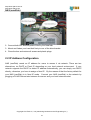
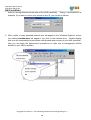
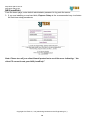
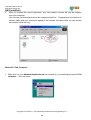
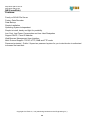
1. Open Control Panel, execute Network
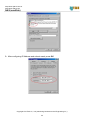
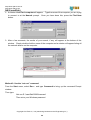
2. Choose TCP/IP, click Property
Copyright of 3JTech Co., Ltd. (also doing business as A3J Engineering Inc.)
10