1
2.3.
Menus
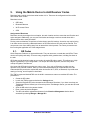
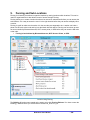
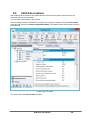
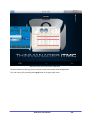
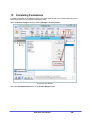
The menus of ThinManager use the Microsoft Outlook ribbon but contain similar functions as previous
versions.
This is a brief description. Many of these functions will be explained in greater details in the sections of
the manual that cover setup and configuration.
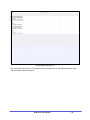
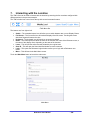
Edit
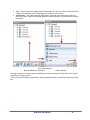
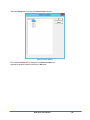
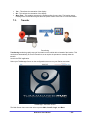
Edit includes common editing commands and buttons to Add ThinManager Servers, Remove, Refresh,
and Modify. There is a Find and Find Next button to allow you to search the tree.
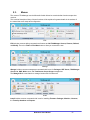
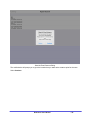
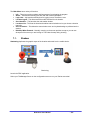
Manage
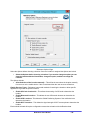
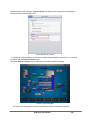
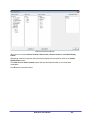
Manage includes common management commands with icons for Packages, PXE Server, ThinManager
Server List, DNS, Web access, and TermSecure Access Group management:
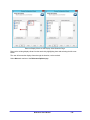
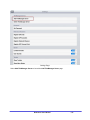
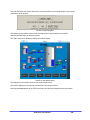
The Manage IDs is a new feature to manage Location IDs for Relevance.
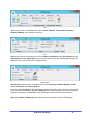
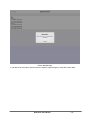
Install
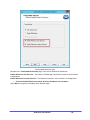
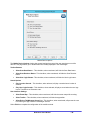
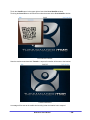
Install includes common commands with icons for installing Firmware Packages, Modules, Licenses,
the TermCap database and Reports.
Relevance User Manual
-7-