1
SmartGUI User Guide
differ slightly (mainly in the area of channel configuration and quantity of devices but
the options should be readily understood. products will differ slightly (mainly in the
area of channel configuration and quantity of devices but the options should be readily
understood.
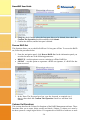
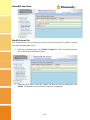
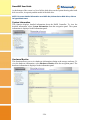
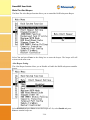
Refer to page 2-1 for information on browser navigation.
Text Configuration via RS-232
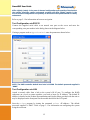
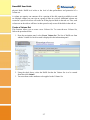
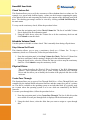
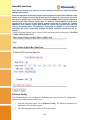
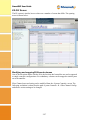
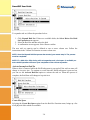
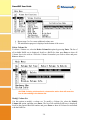
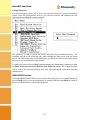
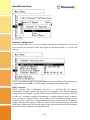
Connect the supplied serial cable to an unused com port on the server and enter the
corresponding com port number in the dialog shown in the diagram below.
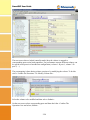
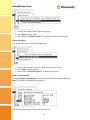
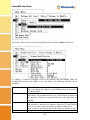
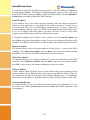
If using a program such as HyperTerminal enter the parameters shown below:
NOTE: The RAID controller default baud rate is 115200. The default password supplied is
“0000”.
Text Configuration via LAN
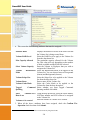
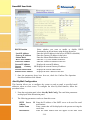
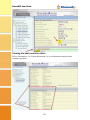
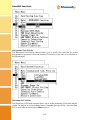
Attach a network cable from a hub to the system’s RJ-45 port. To configure the RAID
subsystem on a local or remote machine, you need to know its IP Address. The default IP
address is detailed on the Product Documentation and Quality Sheet provided with the unit or
may be displayed on the front panel for the models that utilize the LCD panel.
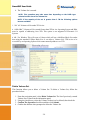
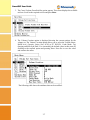
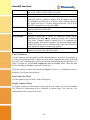
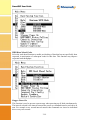
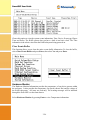
Start the telnet program by issuing the command telnet <IP address>. The default
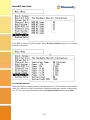
password supplied is “0000”. Refer to page 3-1 for information on configuring the system
using the text menu.
1-3