1
SE-601 Series Electrocardiograph User Manual
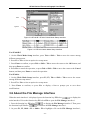
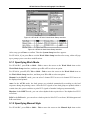
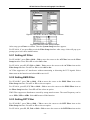
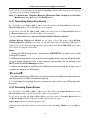
3.3 Selecting an Option from a List
For SE-601B/C
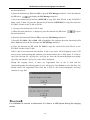
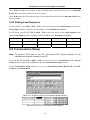
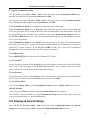
1. Press Tab or Shift + Tab to move the cursor to the Work Mode item.
2. Press F1 or F2 to select MANU, AUTO, RHTY or R-R.
3. Press Enter to confirm, or press Tab or Shift + Tab to move the cursor to the OK button, and
then press Enter to confirm.
4. Press Esc to cancel the operation, or press Tab or Shift + Tab to move the cursor to the Cancel
button, and then press Enter to cancel the operation.
For SE-601A
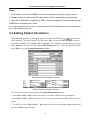
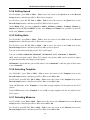
1. Press F1, F2, Tab or Shift + Tab to move the cursor to the Work Mode item.
2. Press F3 or F4 to select MANU, AUTO, RHTY or R-R.
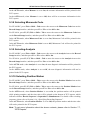
3. After setup, press Enter to confirm, or press Esc to display a hint to prompt you to save these
modifications.
3.4 About the Main Interface
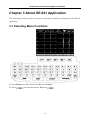
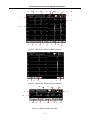
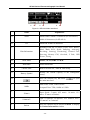
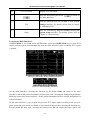
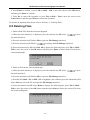
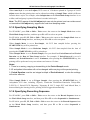
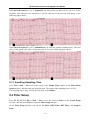
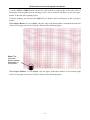
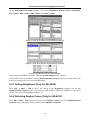
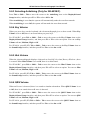
After you turn on the device, the main interface1 pops up. Press the function key F5 below
to open the main interface2.
- 18 -