1
Brivo OnAir Administrator’s Manual
Page 165
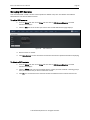
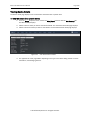
Viewing Site Details
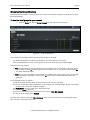
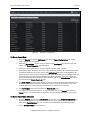
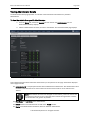
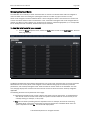
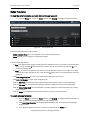
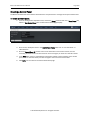
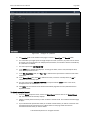
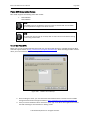
The Site detail page displays a list of information associated with a specific site.
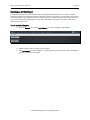
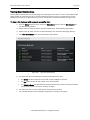
To view the details for a specific site:
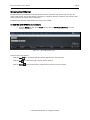
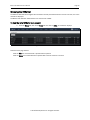
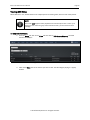
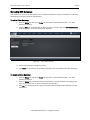
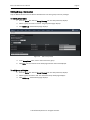
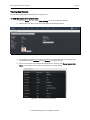
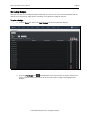
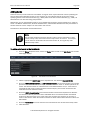
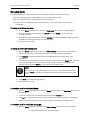
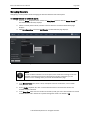
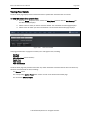
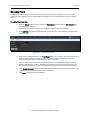
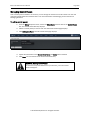
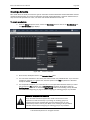
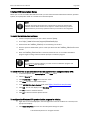
1. From the Setup dropdown menu, choose the Sites/Doors tab then click on the Site Directory tab.
The Site Directory displays.
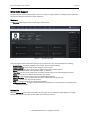
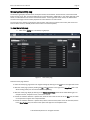
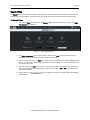
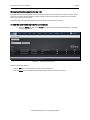
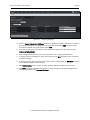
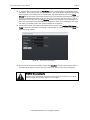
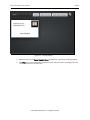
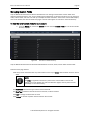
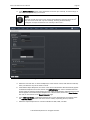
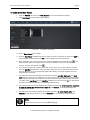
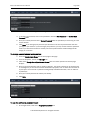
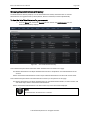
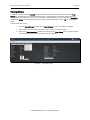
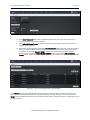
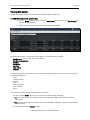
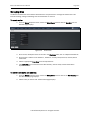
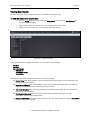
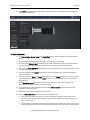
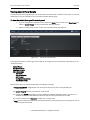
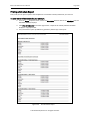
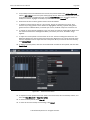
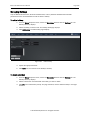
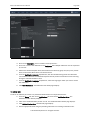
2. Click the site you wish to view. The associated detail page displays.
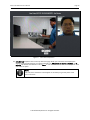
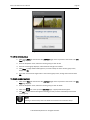
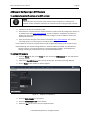
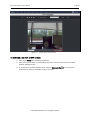
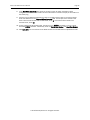
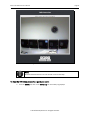
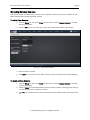
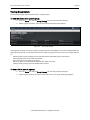
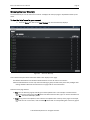
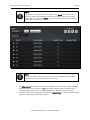
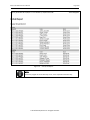
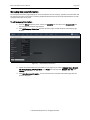
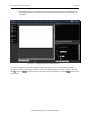
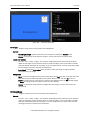
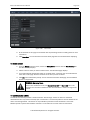
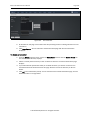
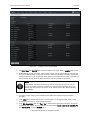
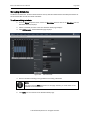
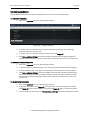
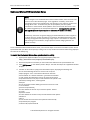
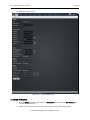
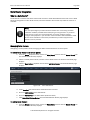
Figure 111.
View Site Details
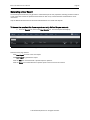
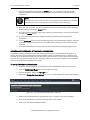
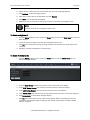
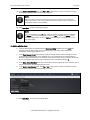
This page provides links to other pages that enable you to manage the site, including:
Site Directory (takes you back to the Site Directory)
Edit Site Name/Address
Add Door
Add Device
Add Floor
View History
New Site
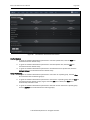
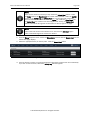
The Site detail page also lists all the doors and devices currently associated with the site, sorted according to
the following categories:
Doors
Auxiliary Devices
Switches
Timers
Valid Credentials
Event Trackers
Floors
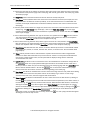
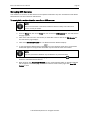
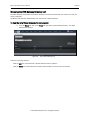
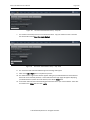
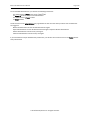
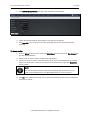
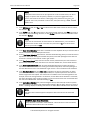
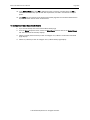
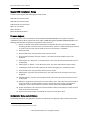
For each door or device, the following information is provided:
The door or device Name, which serves as a link to the corresponding detail page.
An ID that consists of the name and ID number of the control panel with which the door or device is
associated
A Type indicator, consisting of the control panel version (ACS4000, ACS5000, or IPDC) and type (Ethernet,
CDMA or GSM)
The control panel firmware Version number
© 2014 Brivo Systems LLC. All rights reserved.