1
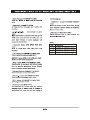
FREQUENTLY USED PLAYBACK FUNCTIONS
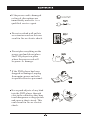
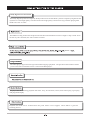
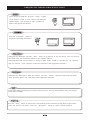
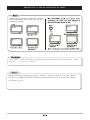
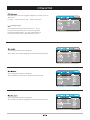
When playing a DVD, pressing the “Repeat”
button repeatedly will cycle between the
following settings:
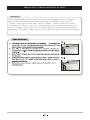
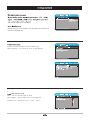
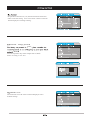
Press “Slow” button repeatedly to toggle between different speeds of slow motion playback. Choose
between ½, ¼, 1 / 8 and 1 / 1 6 speeds.
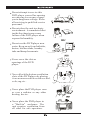
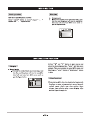
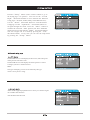
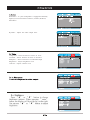
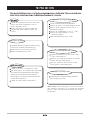
When a DVD disc is playing, press the “GOTO” button to skip to a specific chapter.
Use the Left/ Right directional buttons and the numeric keys to select the chapter
you wish to go to.