1
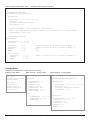
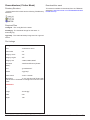
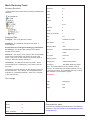
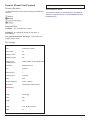
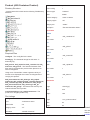
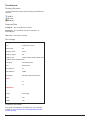
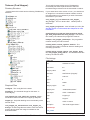
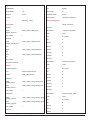
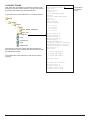
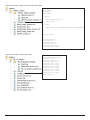
Material Naming Conventions.
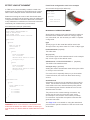
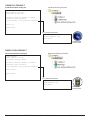
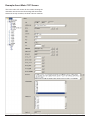
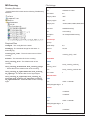
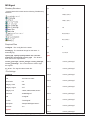
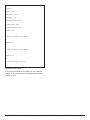
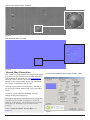
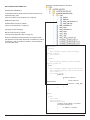
For straight bump mapped materials with or without alpha (no reflection allowed) = name.m.tbumptex
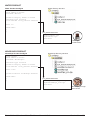
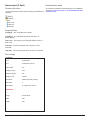
For bump materials with reflection (or gloss) (no alpha allowed) = name.m.tbumpgloss
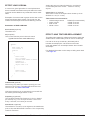
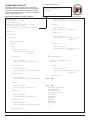
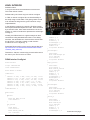
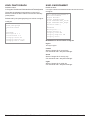
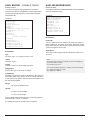
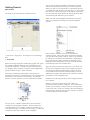
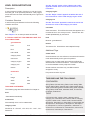
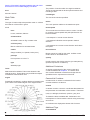
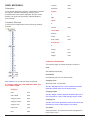
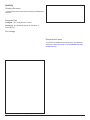
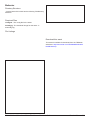
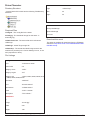
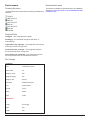
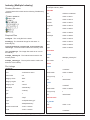
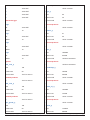
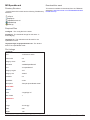
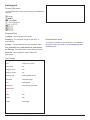
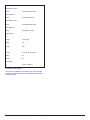
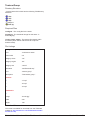
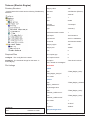
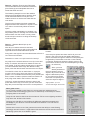
Specular Values:
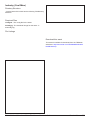
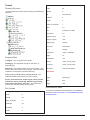
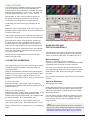
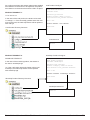
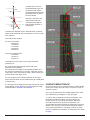
The specular setting is controlled by the
whiteness slider (left). The whiter it is, the higher
the value.
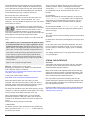
• Ensure Specular Level is 100
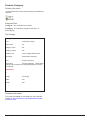
• For bump mapped materials, the Glossiness
value gives a visual representation in MAX only
(as TRS forces this value to 32)
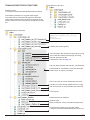
• For non-bump mapped materials the glossiness
value WILL be exported, you should still use the
whiteness slider to determine the specular level.
The Glossiness value adjusts now wide or narrow
the Specular is.
Trainz Railroad Simulator 2006 - The Content Creator’s Guide
Version 2.0 358