1
Part 3 - Getting Started
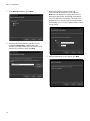
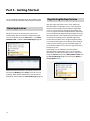
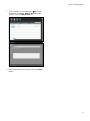
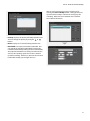
5 Select a backup service and click the
Registering on Federation Service
button at
the bottom. The Setup – Backup Service window
appears. Select the Information tab.
E
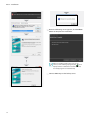
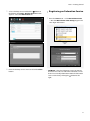
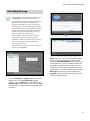
1 Go to the Start Menu → Click IDIS Solution Suite
1x
오늘
달력
49
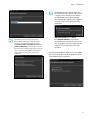
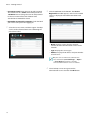
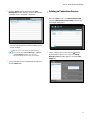
6 Enter the backup service’s name and click the Close
button.
64
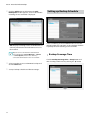
→ Run the IDIS Solution Suite Setup program and
enter login information.
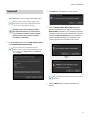
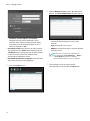
•• Site Name: Select the federation service to connect
to from the list. You can add other federation services
to the list or modify information about the federation
button at the
service in the list by clicking the
right.
E
1x
오늘
달력
49
64
17