1
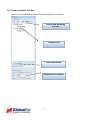
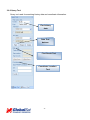
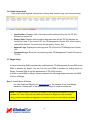
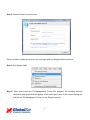
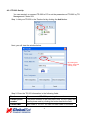
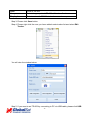
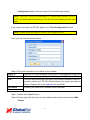
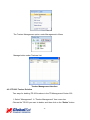
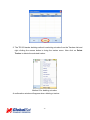
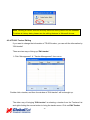
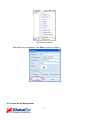
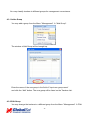
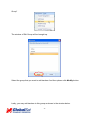
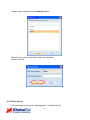
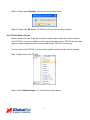
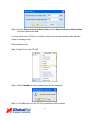
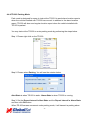
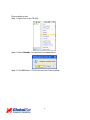
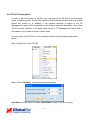
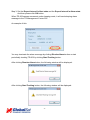
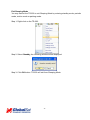
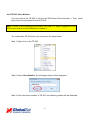
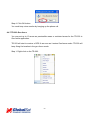
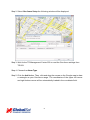
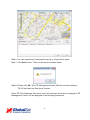
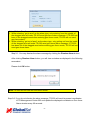
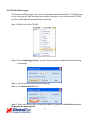
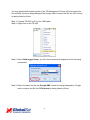
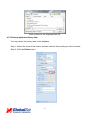
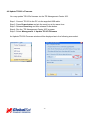
Note: Deleting a tracker does not actually delete its history data from the database. To delete all history data, please use the editing features in Microsoft Access. 4.2.4 TR-203 Tracker Editing If you want to change the information of TR-203 tracker, you can edit the information by “Edit tracker” There are two ways of bring up “Edit tracker” 1. Click “Management” “Tracker Management” from menu. Double click a tracker, and then the window of “Edit tracker” will be brought up. The other way of bringing “Edit tracker” is selecting a tracker from the Trackers List and right clicking the mouse button to bring the tracker menu. Click on Edit Tracker 40