1
MOWAY
Title: mOway User Manual
Rev: v3.1.2 – April 2013
Page 147 of 175
8. Applications
8.1.
Communications Window
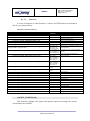
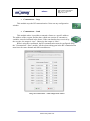
The Communications Window makes it possible to send and receive RF messages
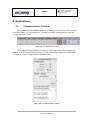
using RFUSB device connected to PC. In order to start RF communication, push the
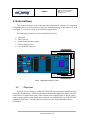
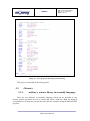
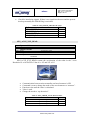
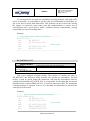
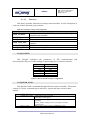
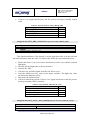
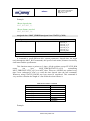
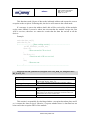
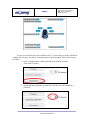
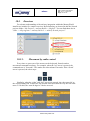
“Communications” icon.
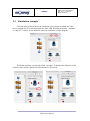
Image 103. “Communications” icon
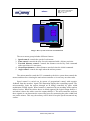
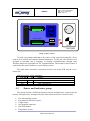
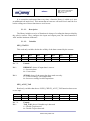
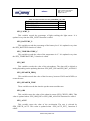
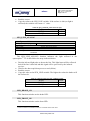
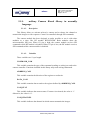
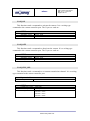
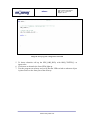
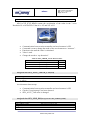
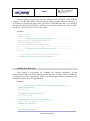
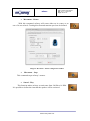
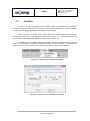
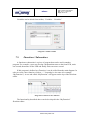
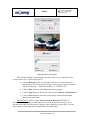
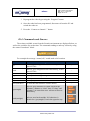
The Communications Window will appear on the right side of the workspace. In
order to start RF communication, choose an address and a RF channel for the RFUSB
(“2” and “0” in this example) and push Start button.
Image 104. “Communications” window
www.moway-robot.com