1
MOWAY
Title: mOway User Manual
Rev: v3.1.2 – April 2013
Page 164 of 175
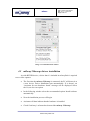
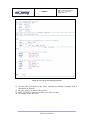
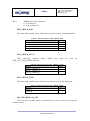
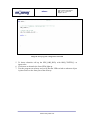
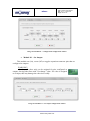
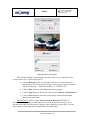
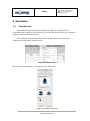
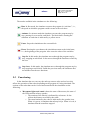
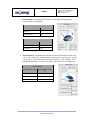
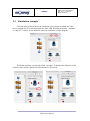
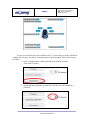
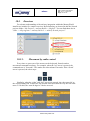
5. Select the language in which the Scratch programs will be developed (in
this case, “English”).
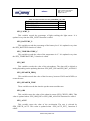
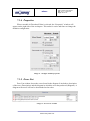
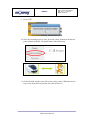
6. Press the “Program” button on the lateral panel (this is not necessary if
the robot has been previously programmed in this way).
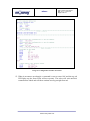
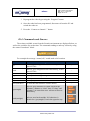
7. Once the robot has been programmed, disconnect it from the PC and
switch the robot on.
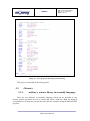
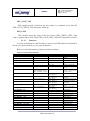
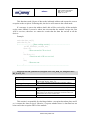
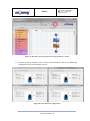
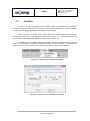
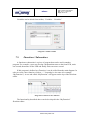
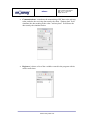
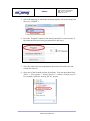
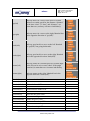
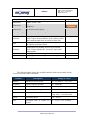
8. Open one of the Scratch projects for mOway. You can open them form
“Start -> All programs -> mOway Pack v3 -> mOway Scratch projects”.
For example, open the “moway_RC.sb” project.
www.moway-robot.com