1
Chapter 1
Introduction
1.1
3D Virtual Views
In these early years of the new millenium, the rising possibilities of 3D technology have
led to an important and unfinished effort in order to turn several fields into amazing
immersing experiences, being the most important entertainment. Its applications in
videogames go beyond the wildest dreams of our predecessors, and the possibility of
actually living a movie as one of the characters is no longer a chimera, and is regarded
as a way to take people back to the cinemas and thus fight piracy.
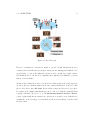
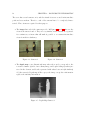
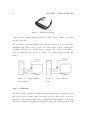
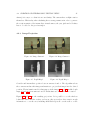
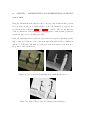
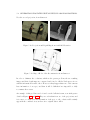
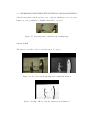
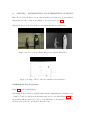
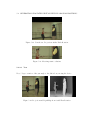
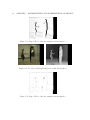
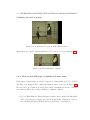
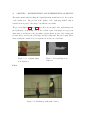
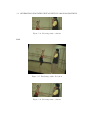
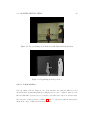
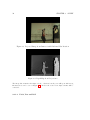
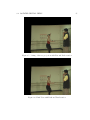
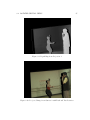
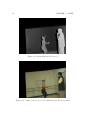
Figure 1.1: VirtualView
In order to introduce the viewer into a certain scene, giving them the feeling of being inside a 3D environment, plenty of information about it is necessary. It must be
previously recorded by different cameras from several points of views, so that they all
7