1
Power Up and Power Down Sequence
Power Up Procedure:
Power Up and Power Down Sequence
Power Up Procedure:
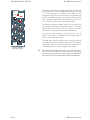
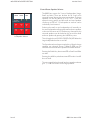
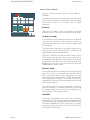
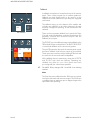
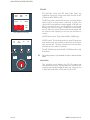
Switch the Encore PC on:
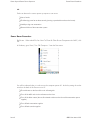
q There is a rocker on / off switch on the rear of the unit. Ensure this is set to '1'
q Press the red button on the front of the unit so it illuminates steady.
The PC will start to boot. Log on when required.
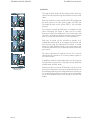
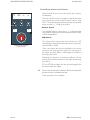
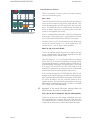
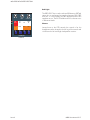
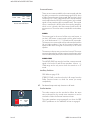
Switch the MCS unit on:
q Press the red switch on the front of the unit so it illuminates steady.
The MCS unit will start to boot.
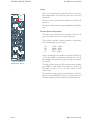
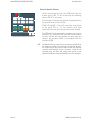
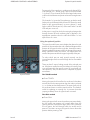
Power up the console:
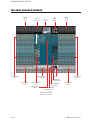
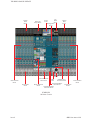
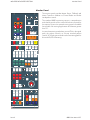
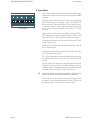
There are 4 power supplies that power the console:
q Switch analog supply 1 on (this powers the Left side of the console and the centre section)
q Switch analog supply 2 on (this powers the Right side of the desk)
q Switch automation supply 1 on.
q Switch automation supply 2 on.
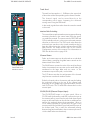
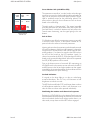
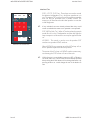
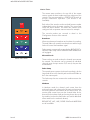
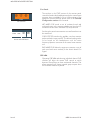
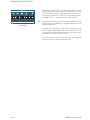
Lastly, press the 2 red switches on the automation power supplies so they illuminate steady (these
two switches power the fader motors).
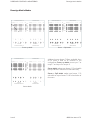
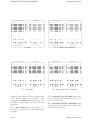
When the desk has been powered up correctly, the meters will exercise across the entire width of the
console.
Depending on how your hardware is set up, you may now see a grey screen recommending that the
console be rebooted.
Issue 3
88RS User Manual 2:1