1
 LeCroy Corporation
Filtering
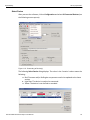
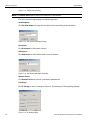
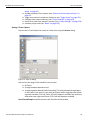
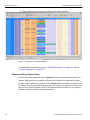
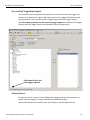
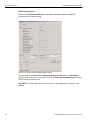
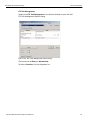
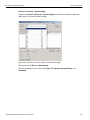
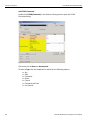
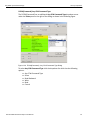
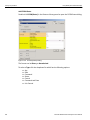
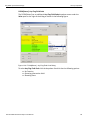
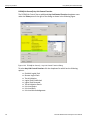
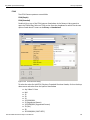
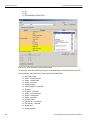
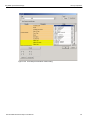
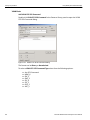
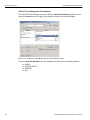
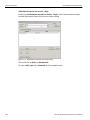
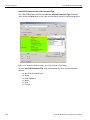
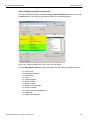
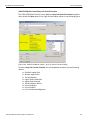
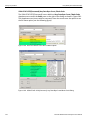
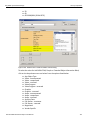
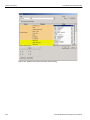
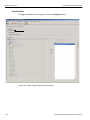
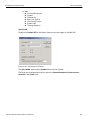
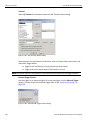
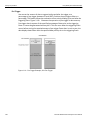
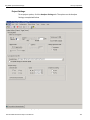
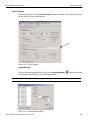
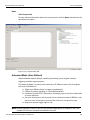
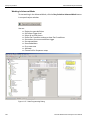
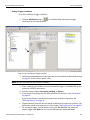
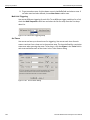
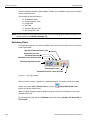
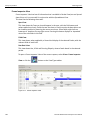
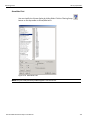
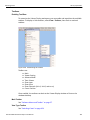
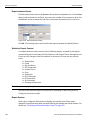
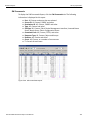
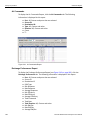
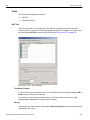
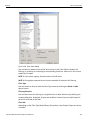
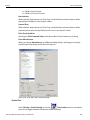
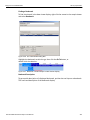
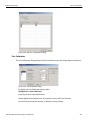
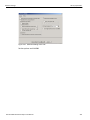
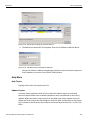
Figure 3.49: Filter Setup Dialog
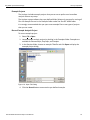
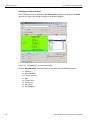
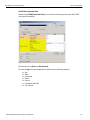
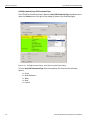
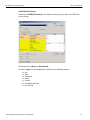
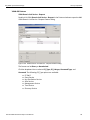
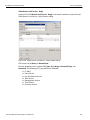
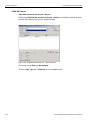
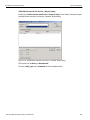
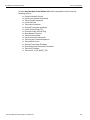
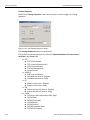
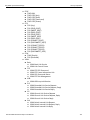
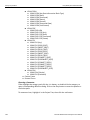
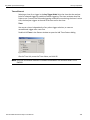
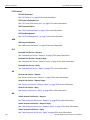
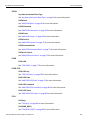
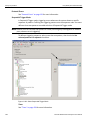
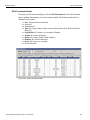
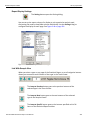
You can select or deselect each of the items shown in the Filter Options window for filtering, by checking or unchecking a corresponding check box. Items not in the current sample are in shade.
NOTE 1: If you select a group, that also selects all child items. NOTE 2: Only packets captured at run time are available for selection for filtering.
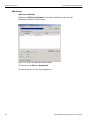
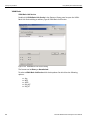
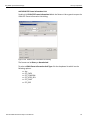
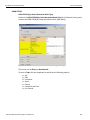
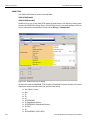
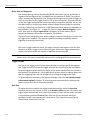
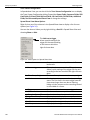
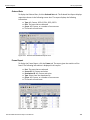
Filter Type
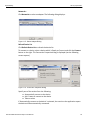
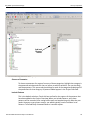
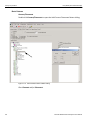
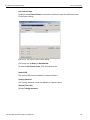
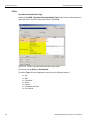
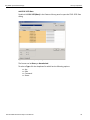
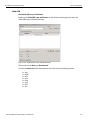
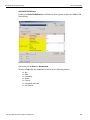
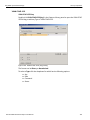
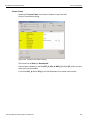
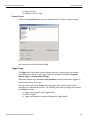
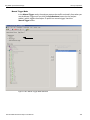
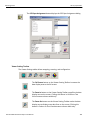
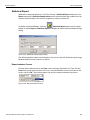
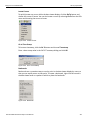
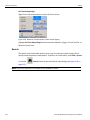
You can choose to show or hide the Filter Type items by checking the Show or Hide option button.
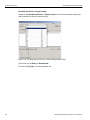
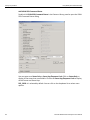
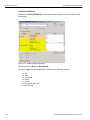
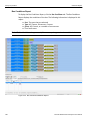
Filtering Direction
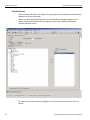
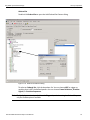
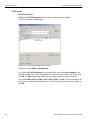
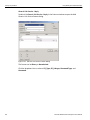
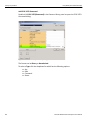
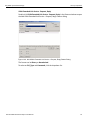
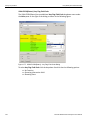
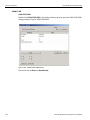
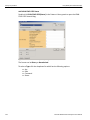
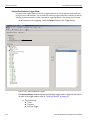
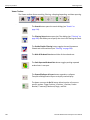
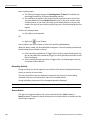
You can select items for filtering in a single direction or both directions by checking the corresponding Port. By default, all ports are enabled. Uncheck the port check boxes for ports not to include in the filter.
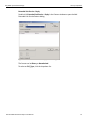
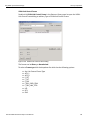
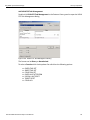
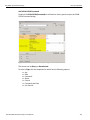
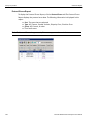
Filter Idle
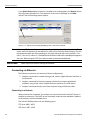
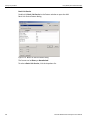
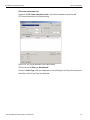
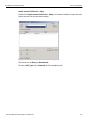
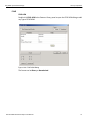
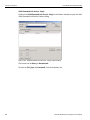
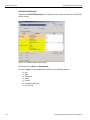
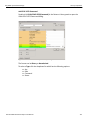
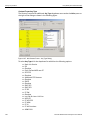
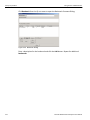
Depending on the Filter Type (Hide/Show), Idle packets in the Sample Viewer are shown or hidden.
SierraFC M164 Protocol Analyzer User Manual
207