1
AMISA
Contract: 262907
Number:
Revision:
Delivery ID:
Date:
Classification:
Dissemination level:
DFA902/110093
D3.5 Part-A
17.2.2014
Unclassified
PU
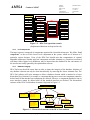
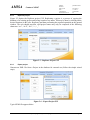
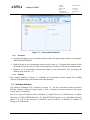
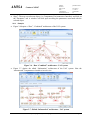
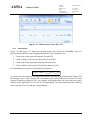
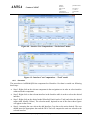
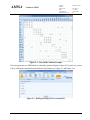
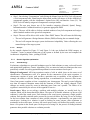
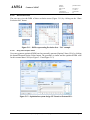
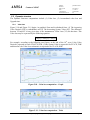
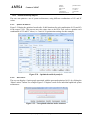
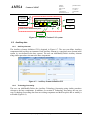
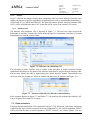
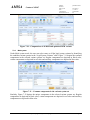
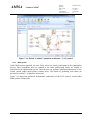
Figure 2-5 – Partial XML example
2.2.4
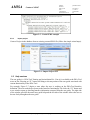
Import project
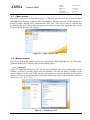
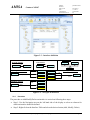
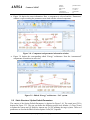
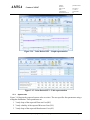
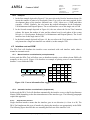
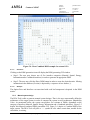
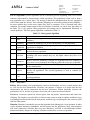
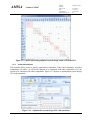
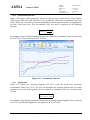
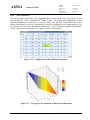
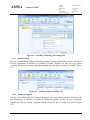
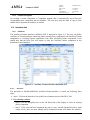
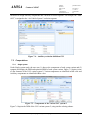
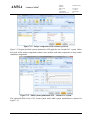
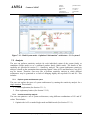
Create a Project in the database from an existing external XML file (follow the simple wizard steps).
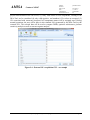
Figure 2-6 - Import Project GUI
2.3
Help services
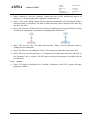
The user guide (i.e. DFA-Tool Training and Assimilation Kit – Part-A) is available to the DFA-Tool
users on line. Pressing an “F1” button will bring a relevant portion of the user guide associated with
current functionality of the DFA-Tool.
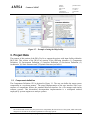
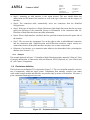
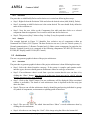
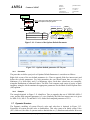
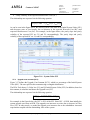
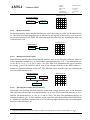
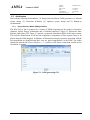
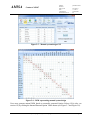
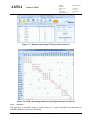
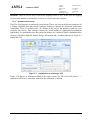
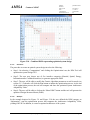
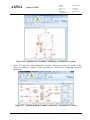
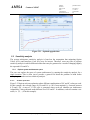
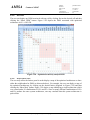
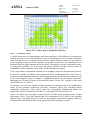
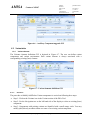
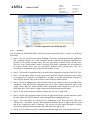
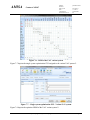
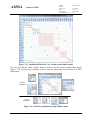
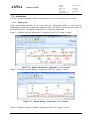
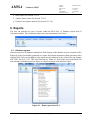
For example, Figure 2-7 depicts a state where the user is working on the DFA-Tool Interface
definition. The user needs help relevant to the Interface functionality. He clicks the “F1” button and
a new window opens up showing Interface information extracted from the user guide. The right side
of the window provides the actual user guide help and the left side of the window allows the user to
browse freely throughout the user guide.
Proprietary rights subject to title page
Page-13