1
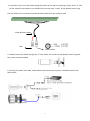
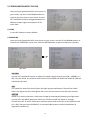
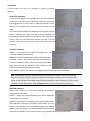
4. If you don’t plan to run the cables along the surface of the wall or anchoring surface, drill a 1” hole
for the camera’s two cables in the middle of the circular area “inside” of the Speedy-mount ring.
Pull the cables to be connected to power & video cables from the ceiling or wall.
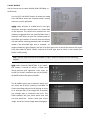
Video & Power cables
BNC
Power Socket
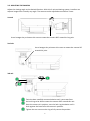
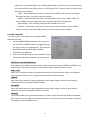
5. Feed the two main cables through the 1” hole. Attach the camera to the Speedy-mount ring with
the 4 short screws provided.
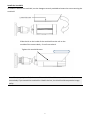
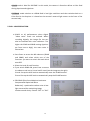
6. Connect the power, test cable, video cables from the Camera to power, handheld monitor and
HDcctv DVR.
7