1
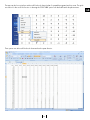
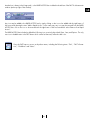
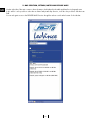
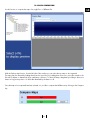
Another bar is always in the foreground, i.e. the RAPID ACCESS bar included in the title bar of the FAST II software main
window (at the top right of the window).
GB
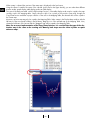
Any icon may be added to the RAPID ACCESS bar by simply clicking on the icon to be added with the right button of
the mouse and selecting the item “Add to Rapid Access”. In the same way, any icon may be removed from the RAPID
ACCESS bar: click on the icon to be removed with the right button of the mouse and then select “Remove from Rapid
Access”.
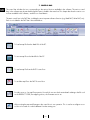
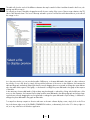
The RAPID ACCESS bar includes by default the following icons, previously described: Open, Save, and Options. The only
new icon included therein is the FAST button which cannot be removed, unlike the other icons.
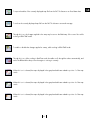
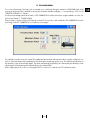
Press the FAST button to access a drop-down menu, including the following items: “Exit”, “FAST information”, “Guidelines” and “News”.
21