1
3. INSTALLATION
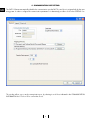
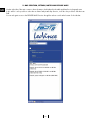
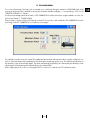
For the installation of the FAST interface we recommend the closure of any other applications that may be open. Insert the
FAST installation DVD included in the kit, wait for the AutoPlay setup by Windows or launch the installation by double
clicking on the SETUP icon present on the DVD, then follow the guided procedure.
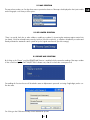
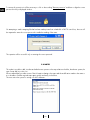
A message will notify that the installation is complete. A connection accessible from the START menu will be created by
default as well as a desktop connection.
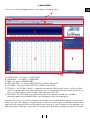
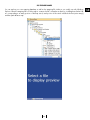
To open the interface, click twice on the desktop connection or open the program from the Windows start menu.
7
GB