1
FB150 User Manual
VII. Setting
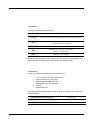
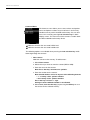
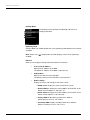
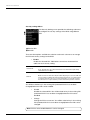
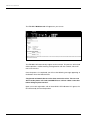
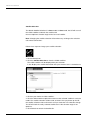
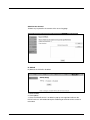
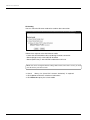
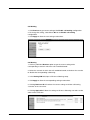
You can select the Ethernet mode to be used for data connection.
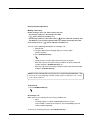
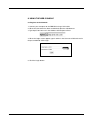
Follow these steps to select the Ethernet mode:
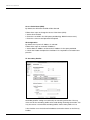
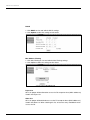
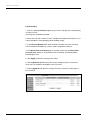
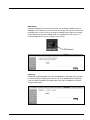
1. Select the desired mode to be used during the data connection:
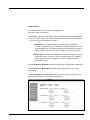
• Router (Single User) is with NAT/PAT disabled.
• Router (Multi-User) is with NAT/PAT enabled for multi-user.
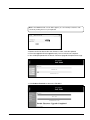
Note: You cannot change the Router settings while a Data connection is active, you must
first disconnect your Data session.
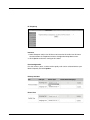
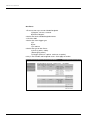
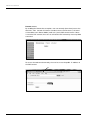
2. Check  “Always On (Auto PDP Context Activation)” if required.
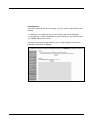
3. Click Update to allow the selection to take effect.
4. Click Refresh to query the current mode.
96