1
NP726
User Manual
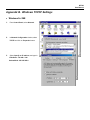
• Windows 2000
1.
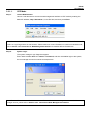
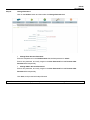
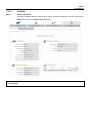
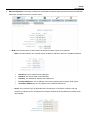
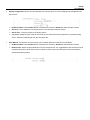
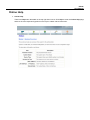
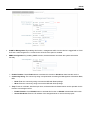
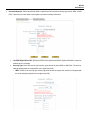
From Control Panel, select Network and Dialup Connections.
2.
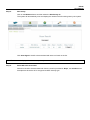
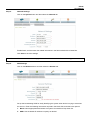
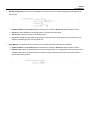
Click right on Local Area Connection icon and
select Properties.
3.
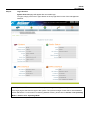
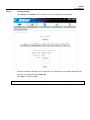
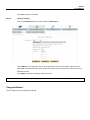
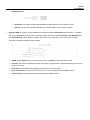
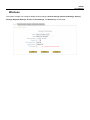
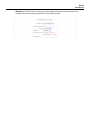
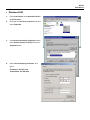
In Local Area Connection Properties window,
select Internet Protocol (TCP/IP) and click on
Properties button.
4.
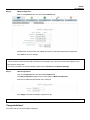
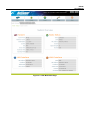
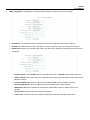
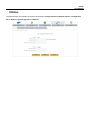
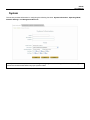
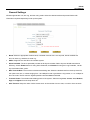
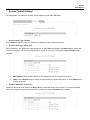
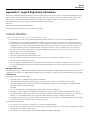
Select Use the following IP address, and
type in:
IP Address: 192.168.1.100
Subnet Mask: 255.255.255.0