1
NP726
User Manual
y
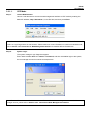
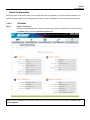
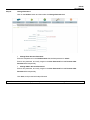
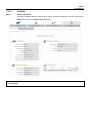
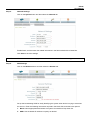
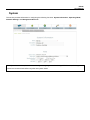
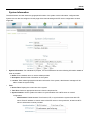
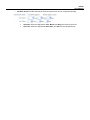
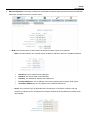
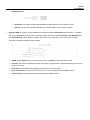
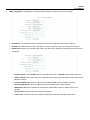
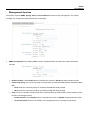
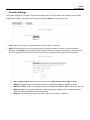
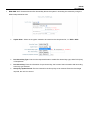
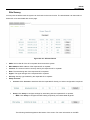
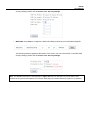
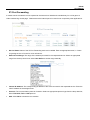
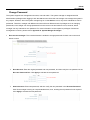
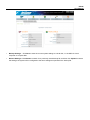
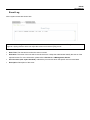
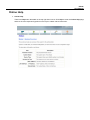
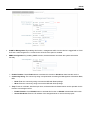
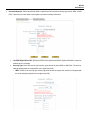
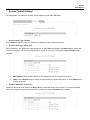
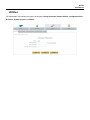
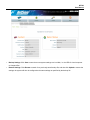
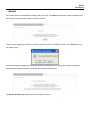
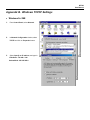
Backup Settings: Click Save to save the current system settings to a local disk, i.e. the HDD of a local computer
or Compact Disc.
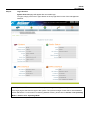
y
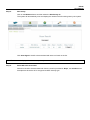
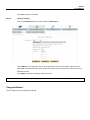
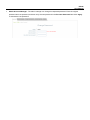
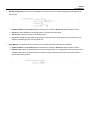
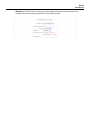
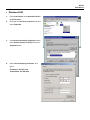
Restore Settings: Click Browse to search for a previously saved backup file, and then click Upload to restore the
settings; the system will then be configured to the same settings as specified by the backup file.