1
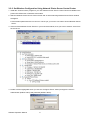
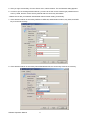
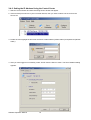
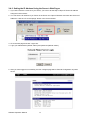
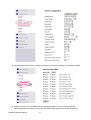
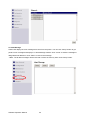
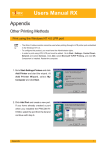
6. Click the "Configuration" icon.
7. Click TCP/IP icon.
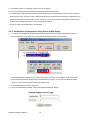
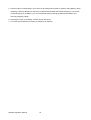
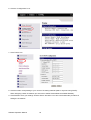
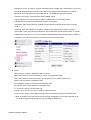
8. Click the button corresponding to your choice of IP setting methods (static or dynamic using DHCP).
When assigning a static IP address you also have to define Subnet Mask and Default Gateway.
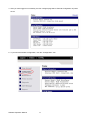
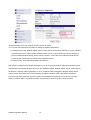
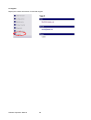
9. Click Submit to save your settings. And the Server will reboot. You have now finished the procedure of
setting the IP address.
Software Operation Manual
18