1
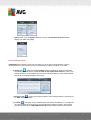
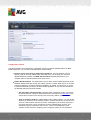
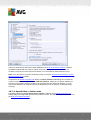
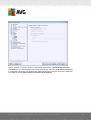
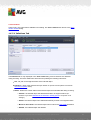
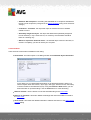
Control buttons
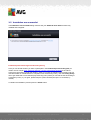
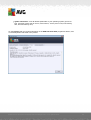
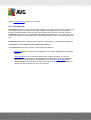
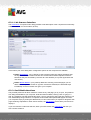
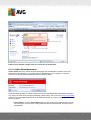
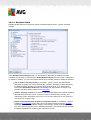
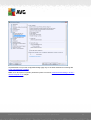
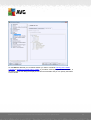
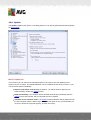
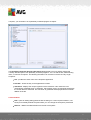
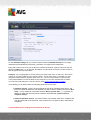
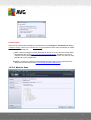
The same two control buttons are available on all three tabs on the Settings for scheduled scan
dialog (Schedule settings, How to scan, and What to scan):
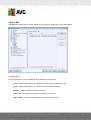
Save - saves all changes you have performed on this tab or on any other tab on this dialog
and switches back to the AVG scanning interface default dialog. Therefore if you wish to
configure the test parameters on all tabs, press the button to save them only after you have
specified all of your requirements.
Cancel - cancels any changes you have performed on this tab or on any other tab in this
dialog and switches back to the AVG scanning interface default dialog.
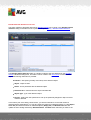
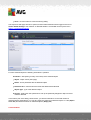
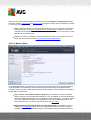
11.6. Scan Results Overview
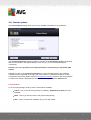
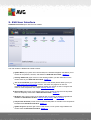
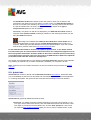
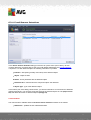
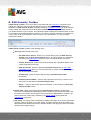
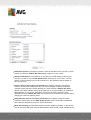
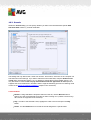
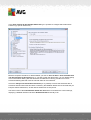
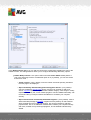
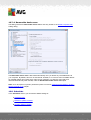
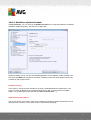
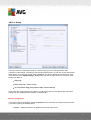
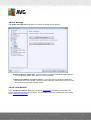
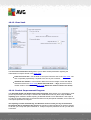
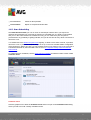
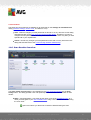
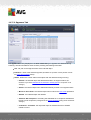
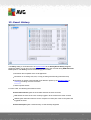
The Scan results overview dialog is accessible from the AVG scanning interface via the Scan
history button. The dialog provides a list of all previously launched scans and information on their
results:
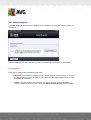
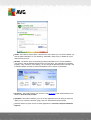
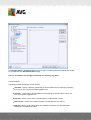
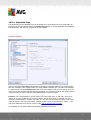
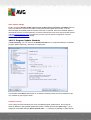
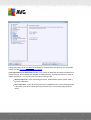
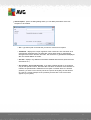
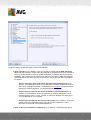
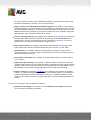
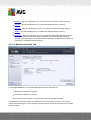
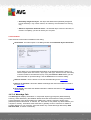
Name - scan designation; it can either be the name of one of the predefined scans, or a
name you have given to your own scheduled scan. Every name includes an icon indicating
the scan result:
- green icon informs you there was no infection detected during the scan
A V G A nti- V irus 2 0 1 2 © 2 0 1 2 C opyright A V G T ec hnologies C Z, s .r.o. A ll rights res erved.
143