1
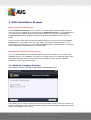
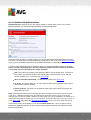
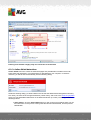
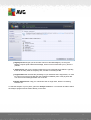
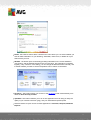
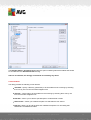
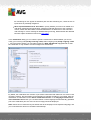
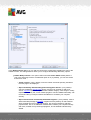
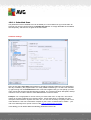
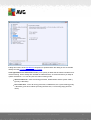
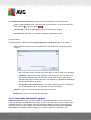
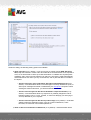
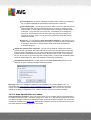
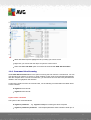
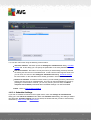
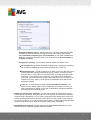
Scans - click to open the context menu for predefined scans (Whole Computer scan, and
Scan Specific Files or Folders) and select the required scan; it will be launched
immediately.
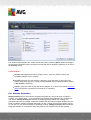
Running scans ... - this item is displayed only if a scan is currently running on your
computer. For this scan you can then set its priority, alternatively stop or pause the running
scan. The following actions are also accessible: Set priority for all scans, Pause all scans
or Stop all scans.
Run PC Analyzer - click to launch the PC Analyzer component.
Update now - launches an immediate update.
Help - opens the help file on the start page.
5.6. AVG Advisor
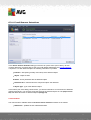
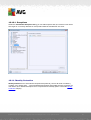
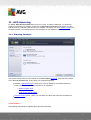
AVG Advisor has been designed to detect problems that might be slowing your computer down, or
putting it at risk, and to recommend an action to solve the situation. If you see a sudden computer
slowdown (Internet browsing, overall performance), it is not usually obvious what exactly the culprit
is, and subsequently, how to solve the problem. That is where AVG Advisor comes in: It will
display a notification in the system tray informing you what the problem might be, and suggesting
how to fix it. AVG Advisor keeps monitoring all running processes within your PC for possible
issues, and offering tips on how to avoid the problem.
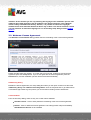
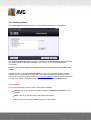
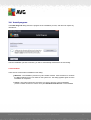
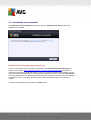
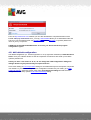
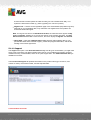
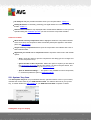
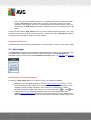
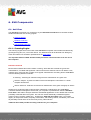
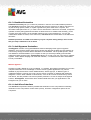
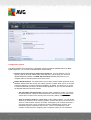
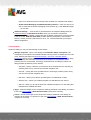
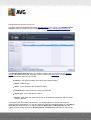
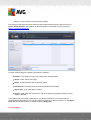
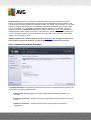
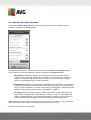
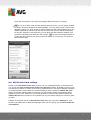
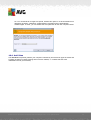
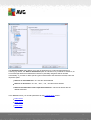
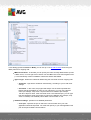
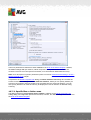
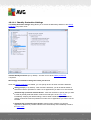
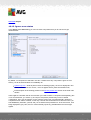
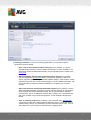
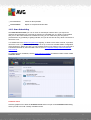
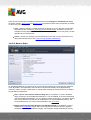
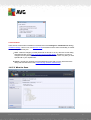
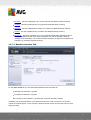
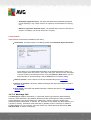
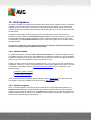
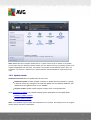
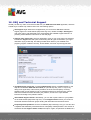
AVG Advisor is visible in the form of a sliding pop-up over the system tray:
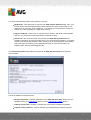
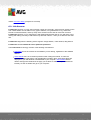
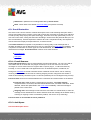
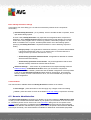
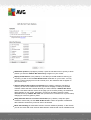
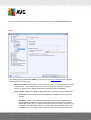
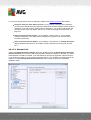
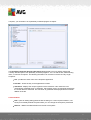
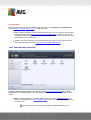
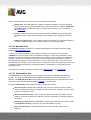
Specifically, AVG Advisor monitors the following:
The state of any currently opened web browser. Web browsers may overload the
memory, especially if multiple tabs or windows have been opened for some time, and
consume too much of system resources, i.e. slowing down your computer. In such
situation, restarting the web browser usually helps.
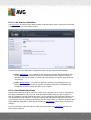
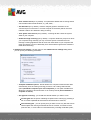
Running Peer-To-Peer connections. After using the P2P protocol for sharing files, the
connection can sometimes remain active, using up certain amount of your bandwidth. As a
result, you can see web browsing slowdown.
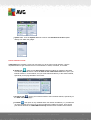
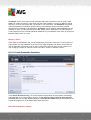
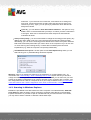
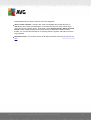
Unknown network with a familiar name. This usually only applies to users who connect
to various networks, typically with portable computers: If a new, unknown network has the
same name as a well-known, frequently used network (e.g. Home or MyWifi), confusion can
A V G A nti- V irus 2 0 1 2 © 2 0 1 2 C opyright A V G T ec hnologies C Z, s .r.o. A ll rights res erved.
28