1
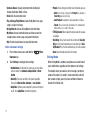
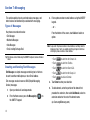
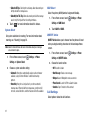
• Discovery Mode: Select On to allow other devices to detect your
phone, or Off for no visibility. After setting Discovery Mode to On,
your phone is visible for one minute, after which Discovery Mode
automatically turns Off.
• Auto Pairing: Select On to allow your phone to pair with other
Bluetooth devices without entering a passkey, or Off (default) to
prevent automatic pairing.
• My Phone Info: Displays information about the phone’s
Bluetooth connection.
• Search Setting: Allows you to search all the current settings
including Headset, PC, Phone, and Printer.
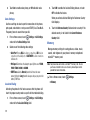
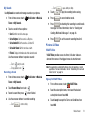
Pairing a Bluetooth Device
Tip: Once paired you do not have to re-pair to use the device again.
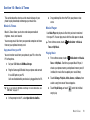
Sounds Settings
Customize your phone’s sounds for incoming calls and
messages, alerts, and other phone features.
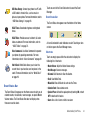
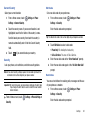
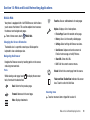
Master Volume
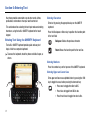
Set the level for all sounds made by your phone.
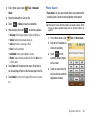
1.
Settings ➔ Bluetooth
From a Home screen, touch
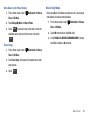
Settings ➔ Sounds
1.
From a Home screen, touch
2.
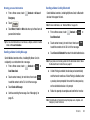
Touch ON from the Bluetooth Radio field.
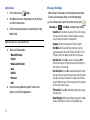
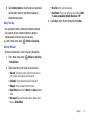
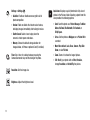
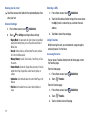
level. Available levels are:
3.
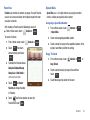
Touch Add New Device and place the device you are paring
• Off: No sounds are played.
• Alarm Only: Sounds are played for alarms, but not for ringtones or
other alerts.
• Vibrate Only: No sounds are played, but the phone vibrates for
incoming calls and messages, alarms and other alerts.
• Low: All sounds are played at low volume.
• Medium Low: All sounds are played at medium low volume.
• Medium: All sounds are played at medium volume.
Settings.
with in discoverable mode and touch Next to search.
4.
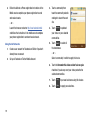
Touch Search Again if the list does not display the
discovered device.
57
Once a Bluetooth accessory pairs with the device you can start
using Bluetooth to send or transfer information.
5.
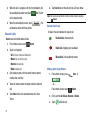
Select the appropriate Bluetooth accessory from the list.
6.
Enter your PIN number.
Settings.
2.
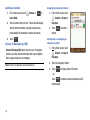
Touch the + or - sign until you achieve the desired volume