1
19.14.
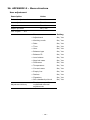
Export database of weighing records to file
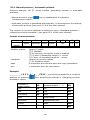
All carried out measurements are saved and stored in a database. The
moisture analyzer enables exporting such data to a file using a data storage
device connected to terminal’s USB port.
Procedure:
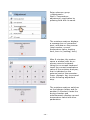
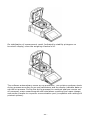
• Connect a data storage device to moisture analyzer’s USB port,
•
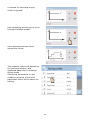
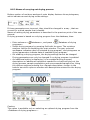
Press <
Setup> key and then press <
Databases> key
•
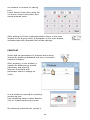
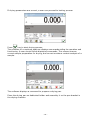
In the menu of databases, press <
Export database of weighing
records to file>, the software automatically starts exporting the database
to a file,
Caution:
In case a moisture analyzer does not recognize a data storage device that is
connected to the USB port, on entering option <
Export database of weighing
records to file > a message is displayed: <Operation error>.
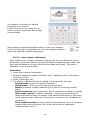
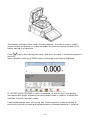
On completing the exporting process, the moisture analyzer displays a
message: “Exporting completed successfully” and a name of file (with
extension *.txt), that is created on the data storage device.
• Name of a created file consists of the name of exported database, and
serial number of a moisture analyzer, e.g. <Weighing
records_239800.txt>.
• Disconnect the data storage device from the USB port of a moisture
analyzer.
•
Format of exported file:
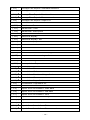
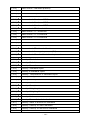
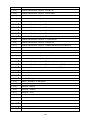
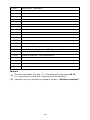
The exported file has a form of a table, where columns are separated by a
<Tab> character, which enables direct exporting the file to Excel spreadsheet.
The table contains complete data on a carried out measurement, such as: date
and time, mass and measuring unit, tare and tare unit, batch number,
operator name, client name, packaging name, name of source warehouse,
name of destination warehouse, result control.
- 96 -