1
W
14
Working with Projects
Working with Projects
All parameters required for operating a drive are combined in one parameter set.
The software drivemaster2 allows managing several parameter sets at the same time
by combining several drive amplifiers and power supply units in one project.
Projects simplify the work with several devices by the following functions:
▶ A project can be saved in a project file. The project file contains the used devices
and the corresponding device addresses. (The device addresses are required for
the communication.) In addition, the parameter files of all device are stored in the
project directory.
▶ The parameter files of a project can be downloaded into the designated devices in
a single pass.
▶ Already saved projects can be read from the project file and the parameter sets
are read from the corresponding parameter files.
▶ The online mode allows creating a project automatically by searching for
connected devices.
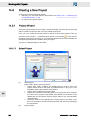
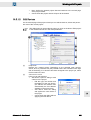
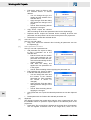
▶ In the offline mode a project can be created by means of the project wizard.
▶ The device addresses for the communication can be changed by means of the
project wizard.
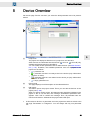
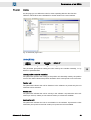
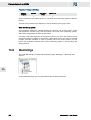
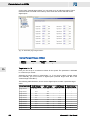
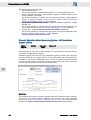
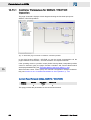
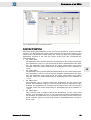
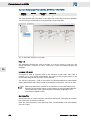
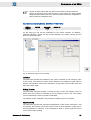
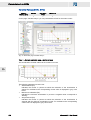
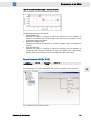
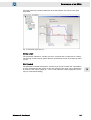
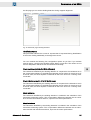
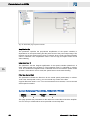
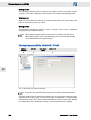
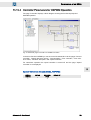
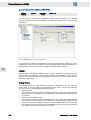
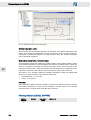
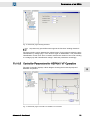
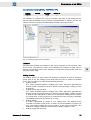
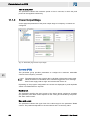
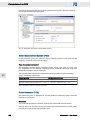
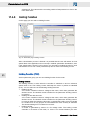
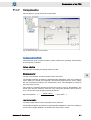
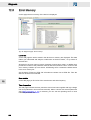
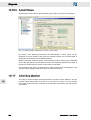
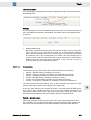
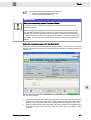
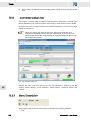
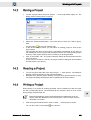
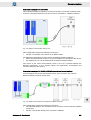
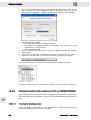
In the software drivemaster2 projects are displayed in a tree structure on the tab page
"Device overview". As usual, the tree structure is hierarchical.
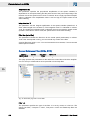
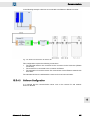
▶ Device of the series SD2 can consist of several drives. For this reason the drives
of an SD2 are subordinated to one common device in a project.
▶ Devices which communicate with the software via a PS2 are subordinated to this
power supply unit in the project.
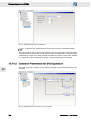
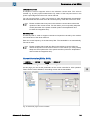
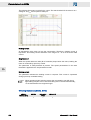
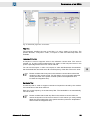
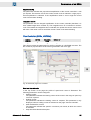
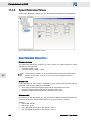
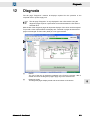
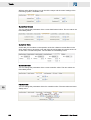
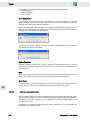
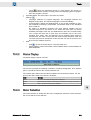
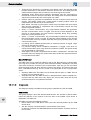
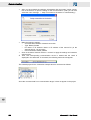
The name of the project is displayed in the status bar on the left:
Projects that have been created by searching connected devices, will auto‐
matically be named "Online project".
14.1
14
Project Files and Project Paths
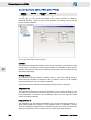
The software drivemaster2 saves project files with the file extension *.smp.
Saving the project file in any directory is not possible. The following rules must be
observed:
▶ A project file is always saved in a project directory, which has the same name as
the project file.
drivemaster2 - User Manual
261