1
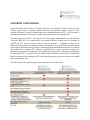
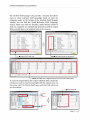
ENVISION TOMORROW PLUS USER MANUAL Summary Before you start producing your scenarios by using ET+, it is very
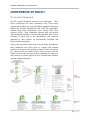
important to understand how each component of ET+ works
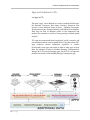
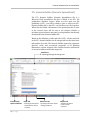
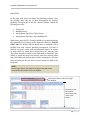
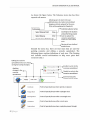
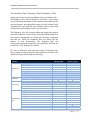
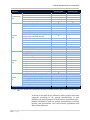
within the whole system. In the ET+ file structure, ET+ consists of
three major components and three minor components.
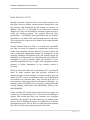
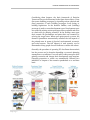
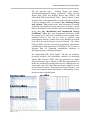
Three major components – the Prototype Builder, the Scenario
Builder, and a File Geodatabase (Scenario Layers) – are key parts
of the scenario planning process in ET+. Users cannot operate
ET+ and produce scenarios without them. In the ET+ scenario
planning workflow, the Prototype Builder creates building
prototypes used in producing scenarios. After individual building
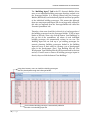
prototypes are made, the Scenario builder allows users to import
data of all building prototypes, establish scenario planning
assumptions, enter input data, and analyze the full performance of
each scenario through indicators in the two “Summary” tabs.
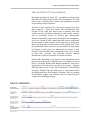
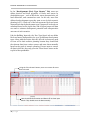
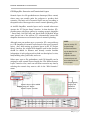
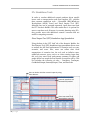
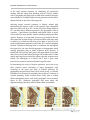
When all major excel spreadsheets are ready, users create their file
geodatabase consisting of scenario layers (GIS shapefiles) and
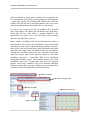
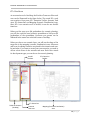
attribute tables. While painting polygons using the ET+ paint tools,
users can find that scenario outcomes in the summary tabs of the
Scenario Builder change on a real-time basis.
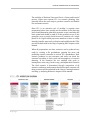
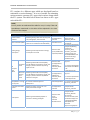
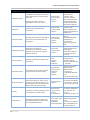
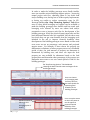
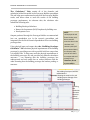
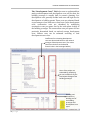
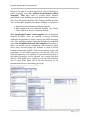
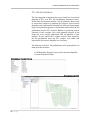
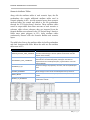
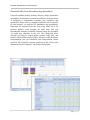
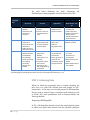
Three standalone components – the Household (HH) Travel
Standalone App, the MXD Travel Standalone App, and the FIT
Standalone App – are optional tools, but they help users
understand performance and impacts of each scenario in term of
specific issues such as transportation and financial planning.
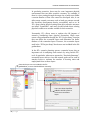
Input data are imported from the two “Link” tabs in the Scenario
Builder, and users also enter scenario planning assumption data to
make these tools work.
If you understand this chapter well, you may be ready to go to the
next chapter! Based on the ET+ scenario planning workflow, the
next chapter will explain every detail of how to collect and enter
input data in each components, how to paint scenarios using ET+.
However, while following each step in the next chapter, going back
to this chapter and reading this chapter are recommended because
you cannot understand what each step means in the ET+ scenario
planning process without understanding each component and the
relationship among them.
48 | P a g e