1
Evaluate Data- Set a CUT/Vent
7.2.3
143
Open Existing CUT/Vent
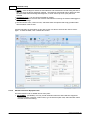
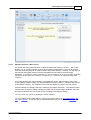
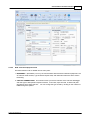
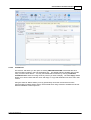
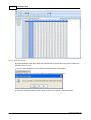
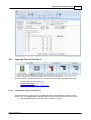
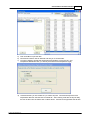
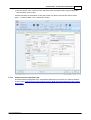
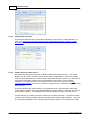
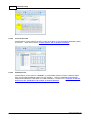
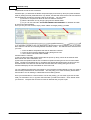
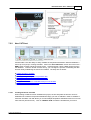
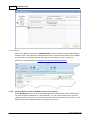
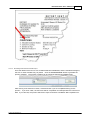
To open and view/edit an existing CALSoft CUT/Vent project (TD-Cal Record), there are two options:
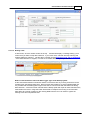
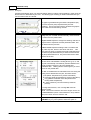
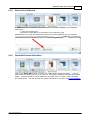
1. Double click on the TD-Cal record # in the “recently used” list in the MIDDLE PANEL, or
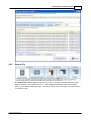
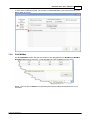
2. Click the “OPEN” button and use the "Find Filter" (see below) to find the TD-Cal Record you want
to open.
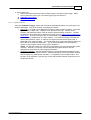
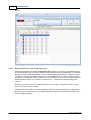
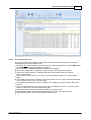
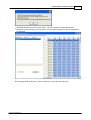
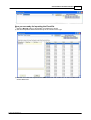
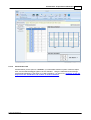
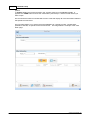
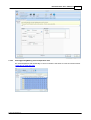
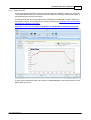
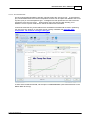
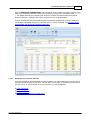
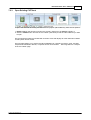
The record will then load into CALSoft Set CUT/Vent mode and display all of the information related
to that specific TD-Cal record.
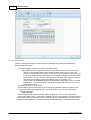
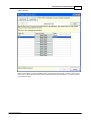
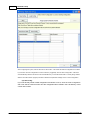
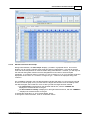
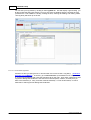
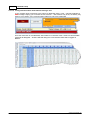
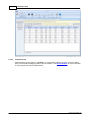
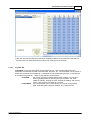
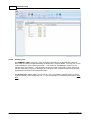
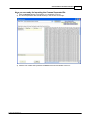
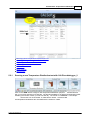
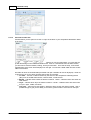
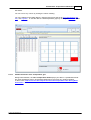
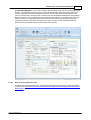
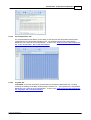
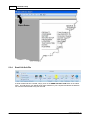
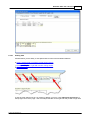
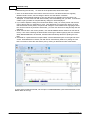
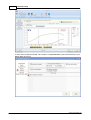
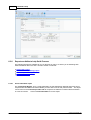
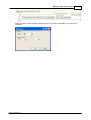
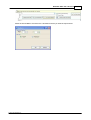
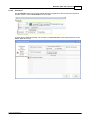
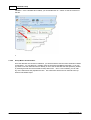
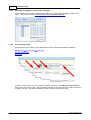
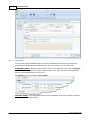
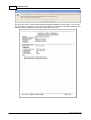
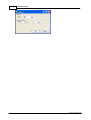
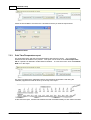
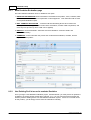
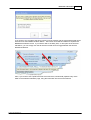
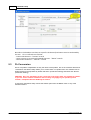
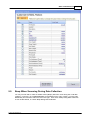
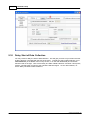
The Find Filter allows you to search the TD-Cal database for a specific processor, retort, CALSoft
Temperature Distribution data file, or specific TD-Cal record number. The image below is a sample
of the "Find Filter" page.
© 2012 TechniCAL Inc