1
Other Tools/Features
9.7
171
Quick Viewer
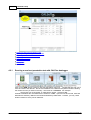
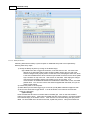
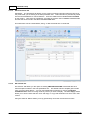
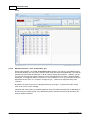
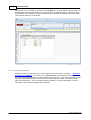
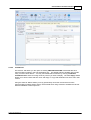
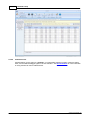
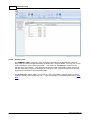
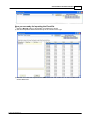
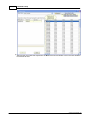
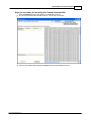
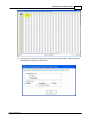
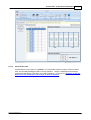
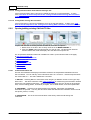
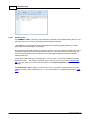
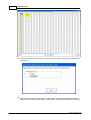
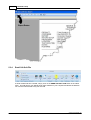
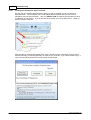
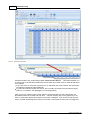
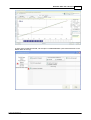
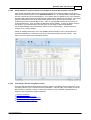
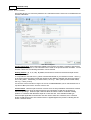
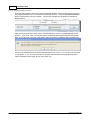
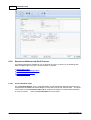
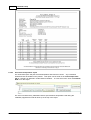
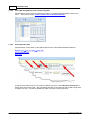
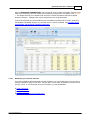
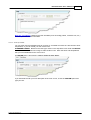
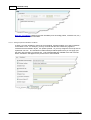
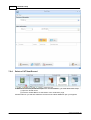
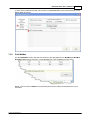
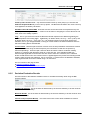
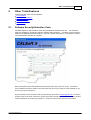
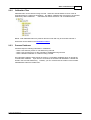
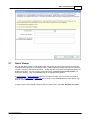
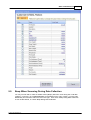
The CALSoft QuickViewer is a file opening utility that allows the user to view imortant CALSoft file
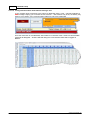
information before opening (or including) the File. Fields included for viewing are Product, Processor,
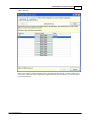
Location, Container, and Retort information. All files that are contained in the selected directory are
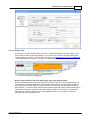
displayed in a table. You may sort any of the columns by clicking on the column header. To
change the directory, click on the Folder icon in the top-right of the window.
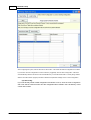
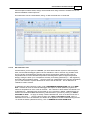
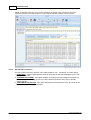
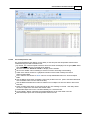
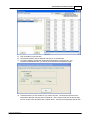
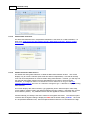
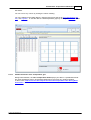
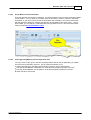
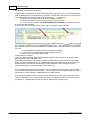
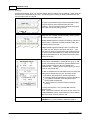
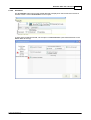
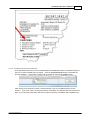
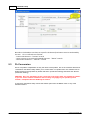
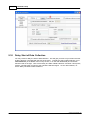
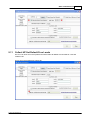
In Set a Process or Set a CUT/Vent select the checkbox to select one or more files to include in
your project. In Collect HP or Collect TD the checkbox is not available because those utilities only
allow for review of one file at a time.
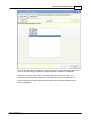
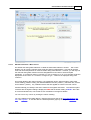
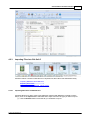
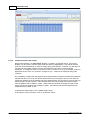
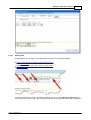
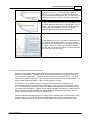
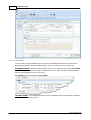
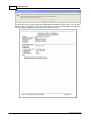
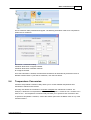
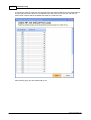
To switch back to the standard "Windows view" for opening files, click "Use Windows File Open".
© 2012 TechniCAL Inc