1
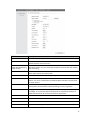
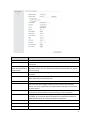
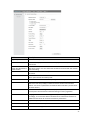
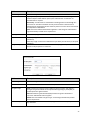
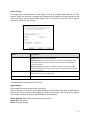
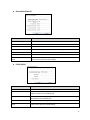
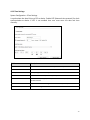
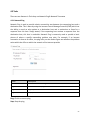
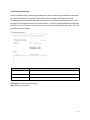
Fields
Description
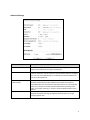
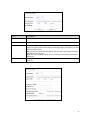
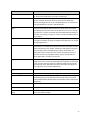
Regulatory Domain
Select the country from pull down menu.
Network SSID
It is the wireless network name. User can use the default SSID or change it.
(Special characters cannot be used).
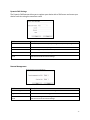
Enable Wireless Option
SSID will be hidden, only users who know the SSID can associate with this network.
User cannot Ping.
Select the Mode of 5G 11NA HT20 or 5G 11NA HT40
“Auto” option selects the mode by itself.
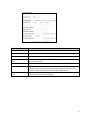
Enable Wireless
Disable SSID Broadcasting
Enable Isolated
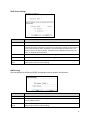
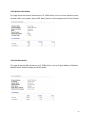
Radio Mode
Channel
Select the wireless communication frequency/channel from pull-down menu.
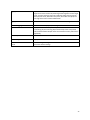
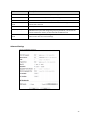
Data Rate
Defines the data rate (in Mbps) at which the device should transmit wireless
packets. You can fix a specific data rate between MCS 0 and MCS 7 (or MCS 15 for
2x2 chain devices).
51