1
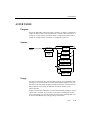
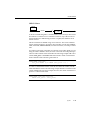
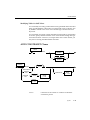
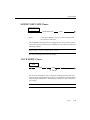
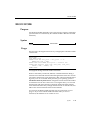
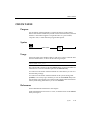
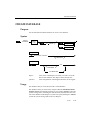
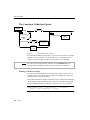
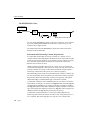
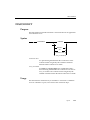
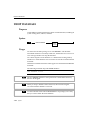
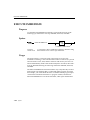
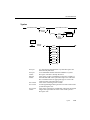
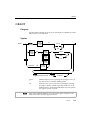
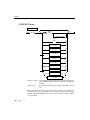
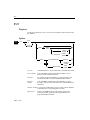
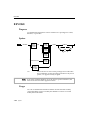
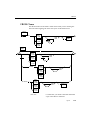
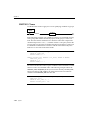
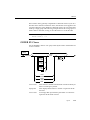
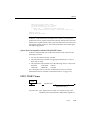
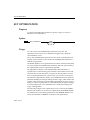
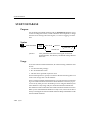
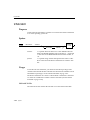
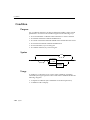
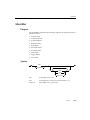
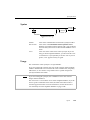
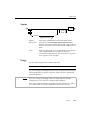
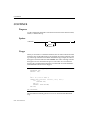
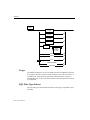
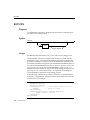
CONNECT
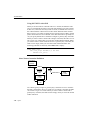
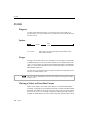
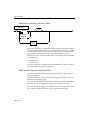
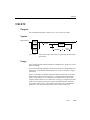
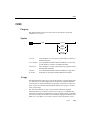
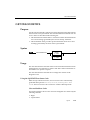
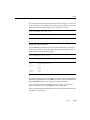
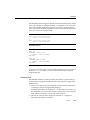
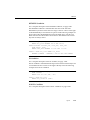
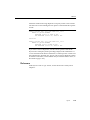
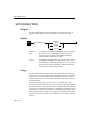
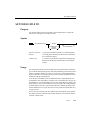
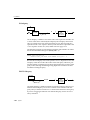
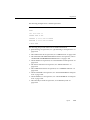
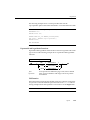
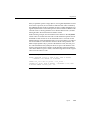
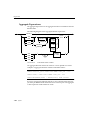
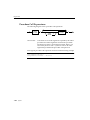
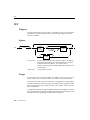
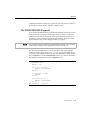
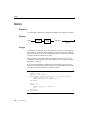
application and a database server. If you specify a database name, the
database server opens the database.You cannot use the CONNECT statement
in a PREPARE statement.
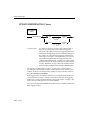
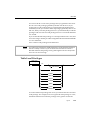
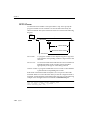
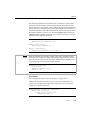
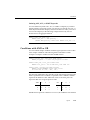
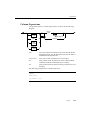
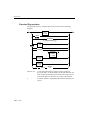
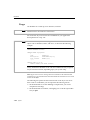
An application can connect to several database environments at the same
time, and it can establish multiple connections to the same database environment, provided each connection has a unique connection_name. The only
restriction on this is that an application can establish only one connection to
each local server that uses the shared-memory connection mechanism. To
find out whether a local server uses the shared memory connection mechanism or the local loopback connection mechanism, you should examine the
$INFORMIX/etc/sqlhosts file. (See the INFORMIX-OnLine Dynamic Server
Administrator’s Guide for more information).
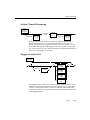
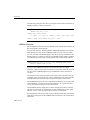
Only one connection is current at any time; other connections are dormant.
The application cannot interact with a database through a dormant connection. When an application establishes a new connection, that connection
becomes current, and the previous current transaction becomes dormant.
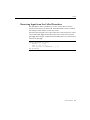
You can make a dormant connection current with the SET CONNECTION
statement. (See “SET CONNECTION” on page 1-346.)
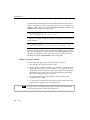
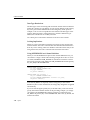
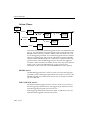
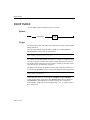
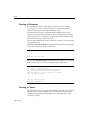
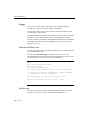
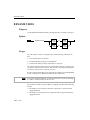
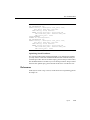
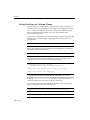
Connection Identifiers
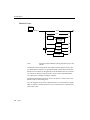
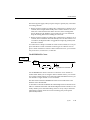
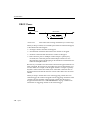
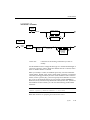
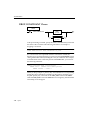
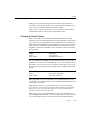
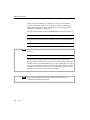
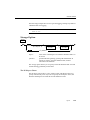
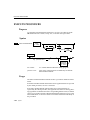
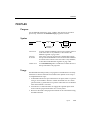
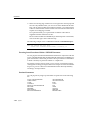
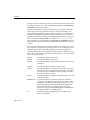
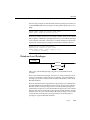
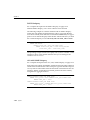
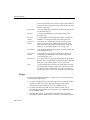
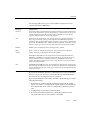
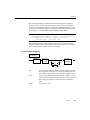
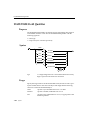
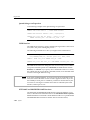
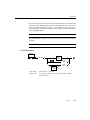
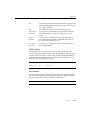
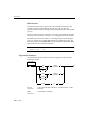
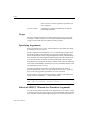
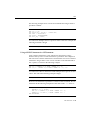
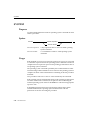
The optional connection_name is a unique identifier that an application can
use to refer to a connection in subsequent SET CONNECTION and DISCONNECT statements. If the application does not provide a connection_name (or a
conn_nm host variable), it can refer to the connection using the database environment. If the application makes more than one connection to the same
database environment, however, each connection must have a unique
connection_name.
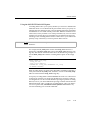
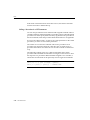
After you associate a connection_name with a connection, you can refer to the
connection using only that connection_name.
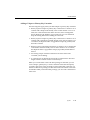
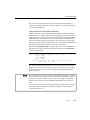
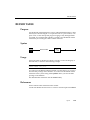
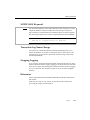
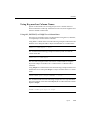
Connection Context
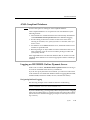
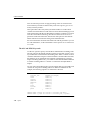
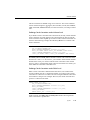
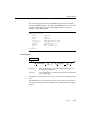
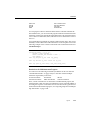
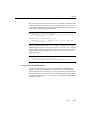
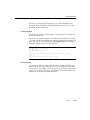
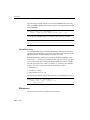
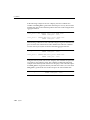
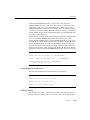
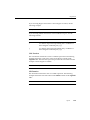
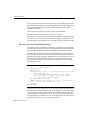
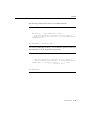
Each connection encompasses a set of information that is called the connection
context. The connection context includes the name of the current user and all
the information that the database environment associates with this name.
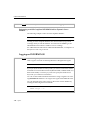
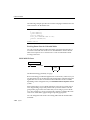
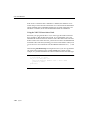
The connection context is saved when an application becomes dormant, and
it is restored when the application becomes current again.
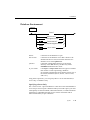
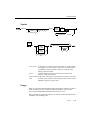
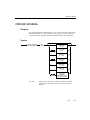
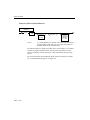
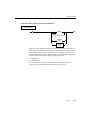
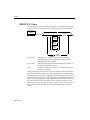
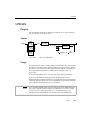
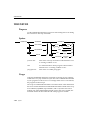
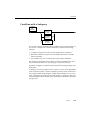
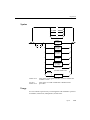
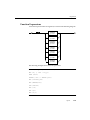
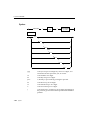
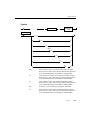
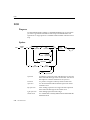
Syntax
1-45