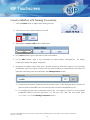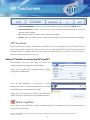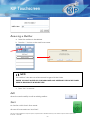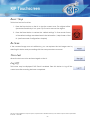
1
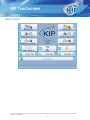
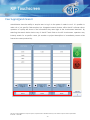
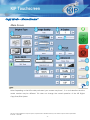
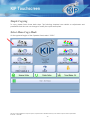
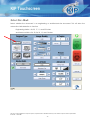
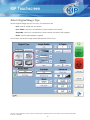
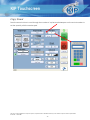
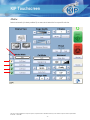
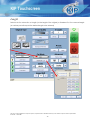
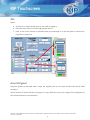
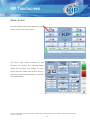
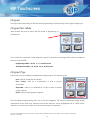
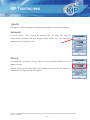
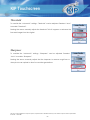
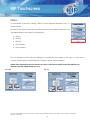
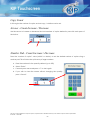
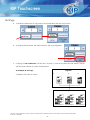
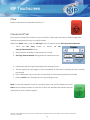
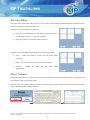
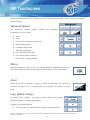
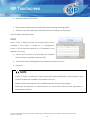
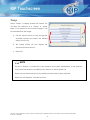
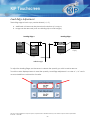
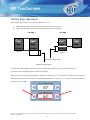
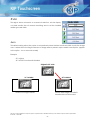
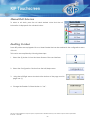
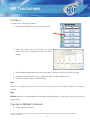
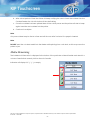
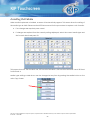
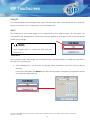
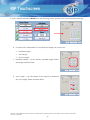
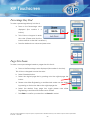
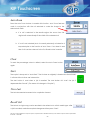
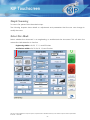
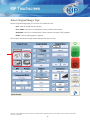
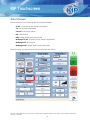
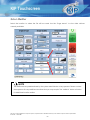
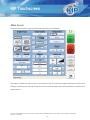
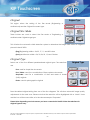
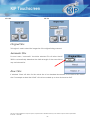
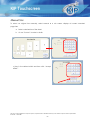
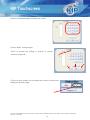
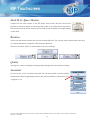
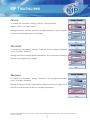
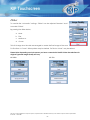
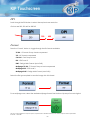
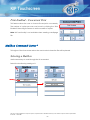
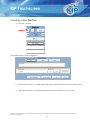
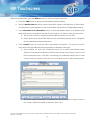
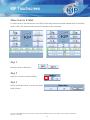
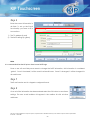
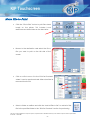
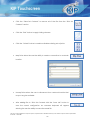
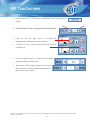
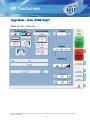
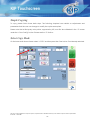
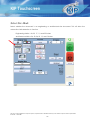
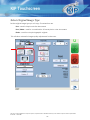
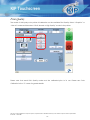
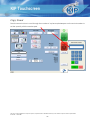
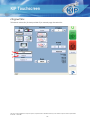
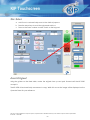
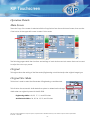
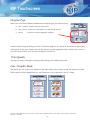
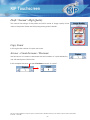
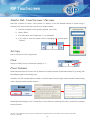
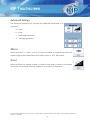
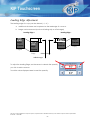
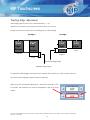
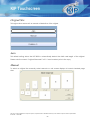
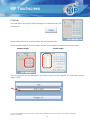
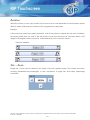
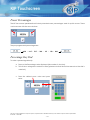
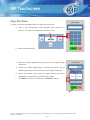
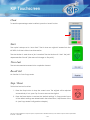
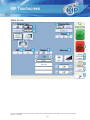
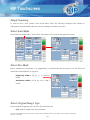
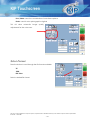
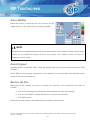
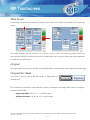
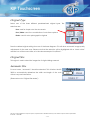
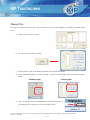
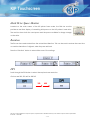
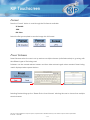
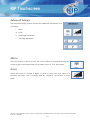
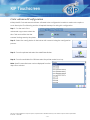
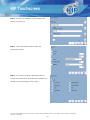
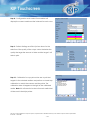
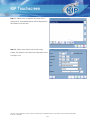
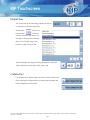
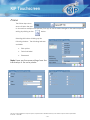
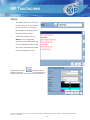
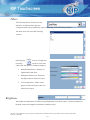
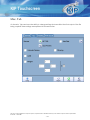
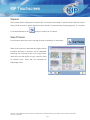
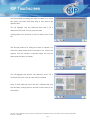
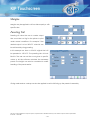
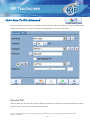
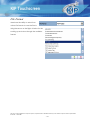
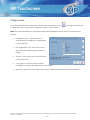
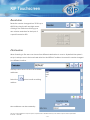
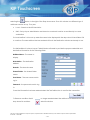
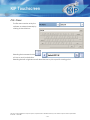
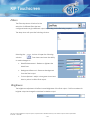
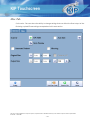
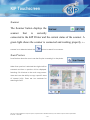
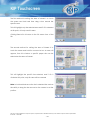
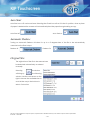
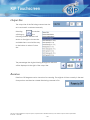
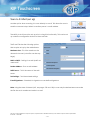
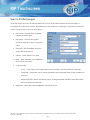
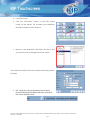
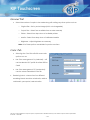
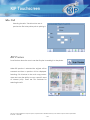
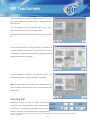
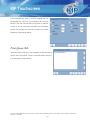
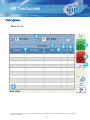
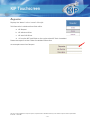
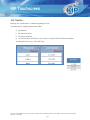
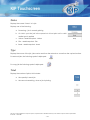
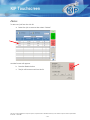
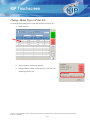
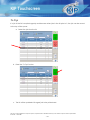
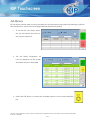
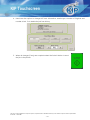
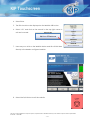
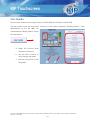
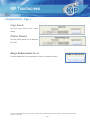
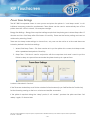
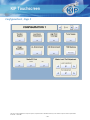
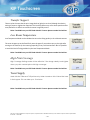
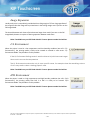
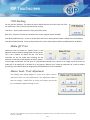
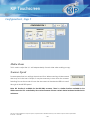
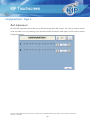
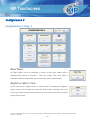
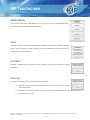
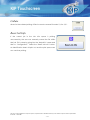
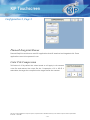
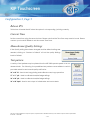
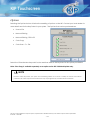
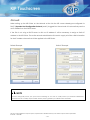
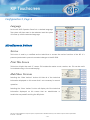
KIP Touchscreen Output Size The output size of the file being copied can be set to automaic or entered manually. Seleting the button will bring up the following window. Use the scroll arrows on the right to browse the available sizes or scroll all the way to the bottom to select Custom size. The percentage the original is being enlarged or reduced will be displayed to the right of the output size. Collated Set If a collated set is desired select the Start Collated Set button. Start scanning the original files and when finished select the Finish Collated Print Set button. No part of this publication may be copied, reproduced or distributed in any form without express written permission from KIP. 2014 KIP. - 128 -